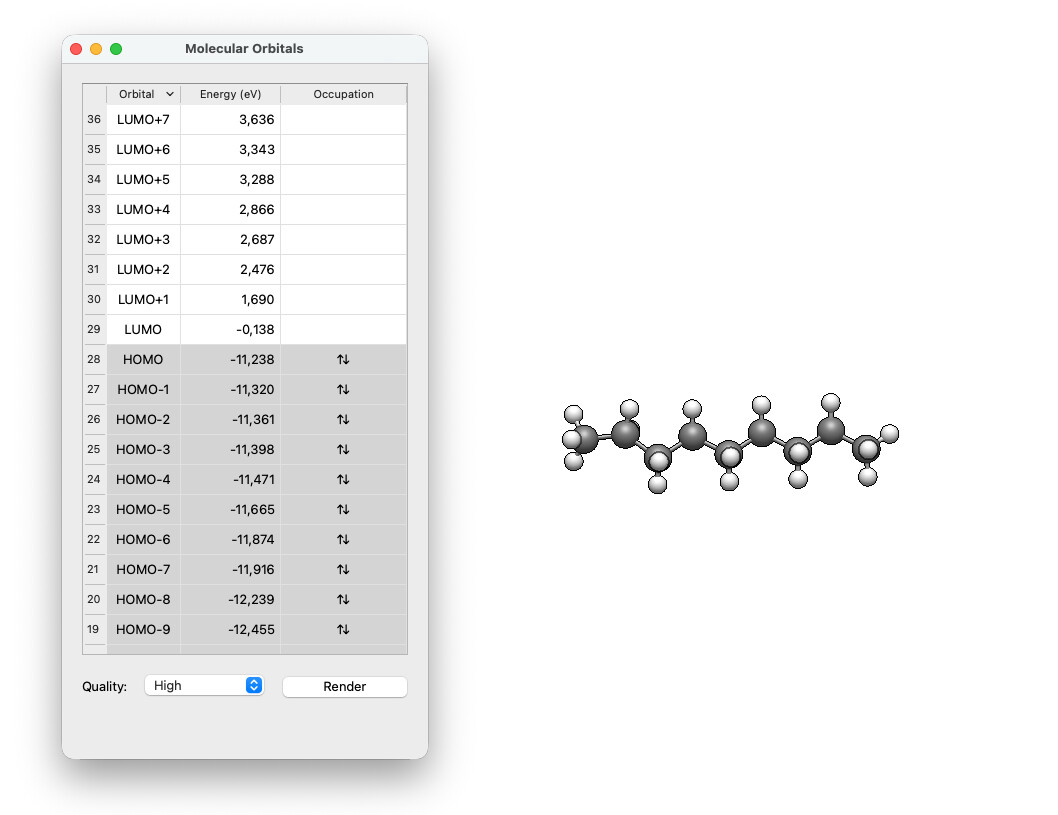
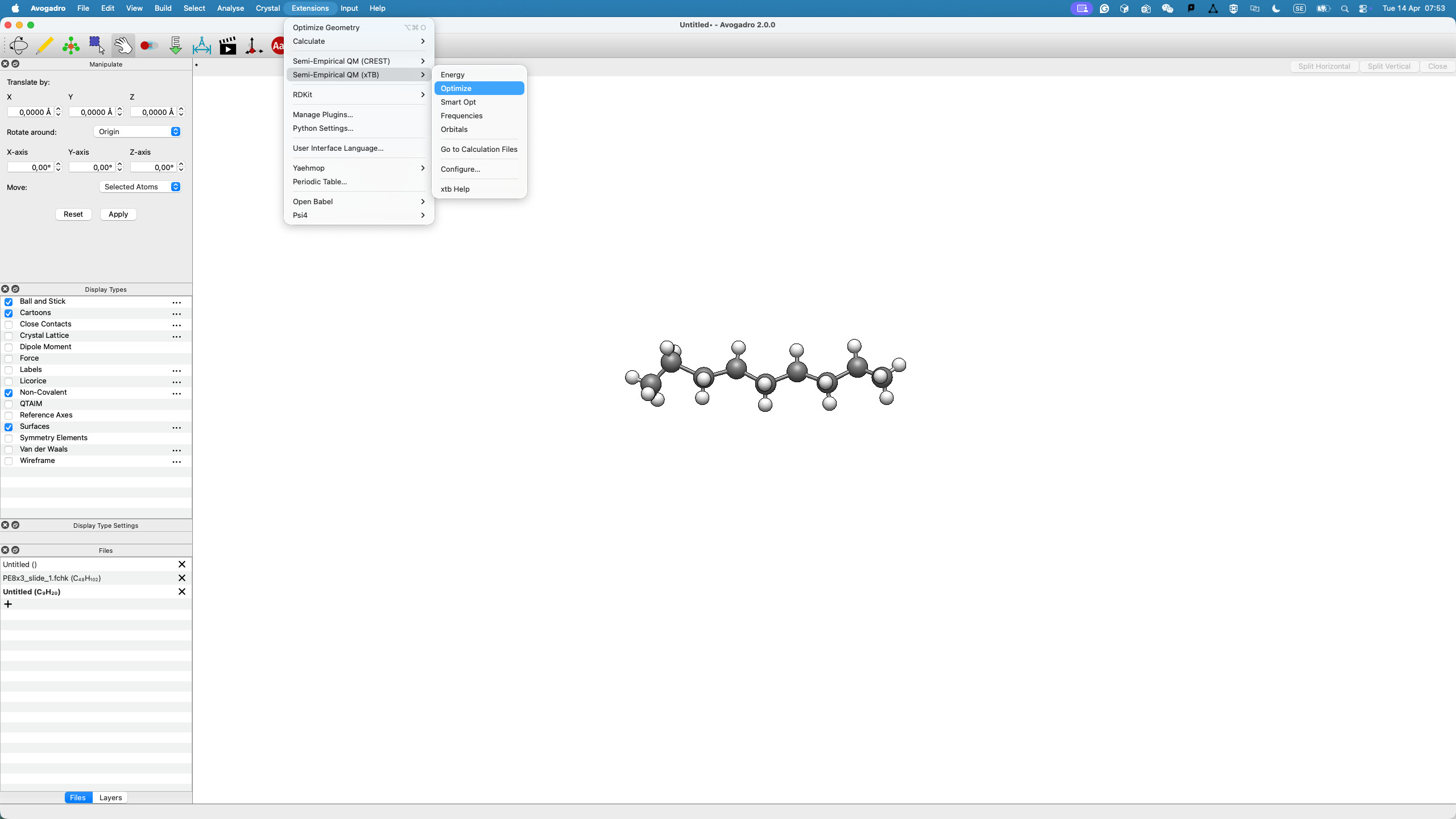
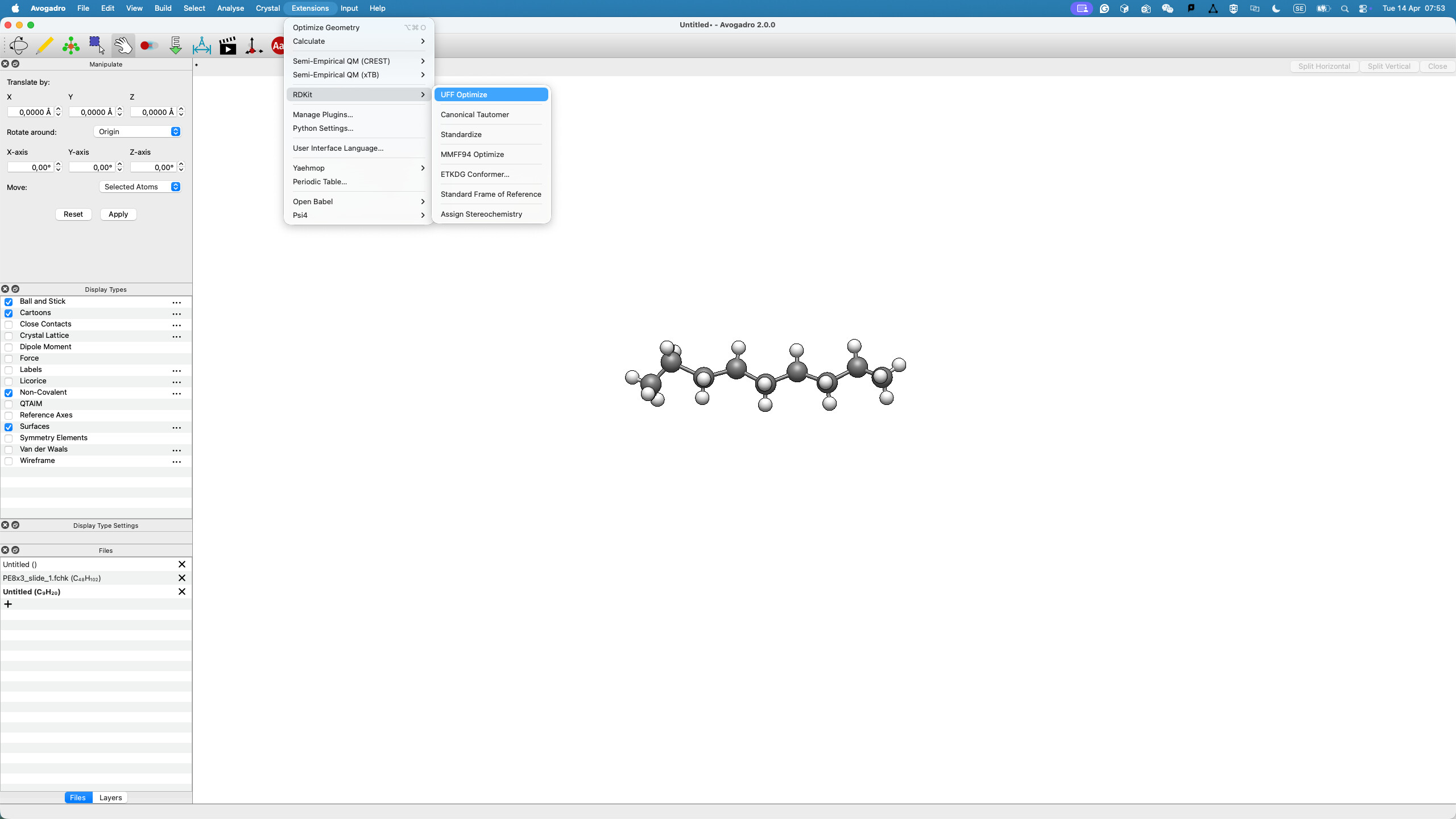
But the other functions just don’t respond. To test the function, I drag one of the carbon atoms from its original position so that, if optimisation occurs, I can see it clearly. Only the geometry optimisation under Open Babel and the one under Extensions worked.
I’m not doubting you - it’s just hard to understand how some features of the plugin would work and others do not. (For example, if the calculation converges for orbitals, it should be able to give an energy.)
Do you get a dialog when you choose the Energy command?
Do you get vibrations when you choose Frequencies?
Is this the case with everything (e.g., if you download by name “caffeine” or “benzene”)?
@matterhorn103 - correct me if I’m wrong, but it should be possible to see the last calculation on disk, right?
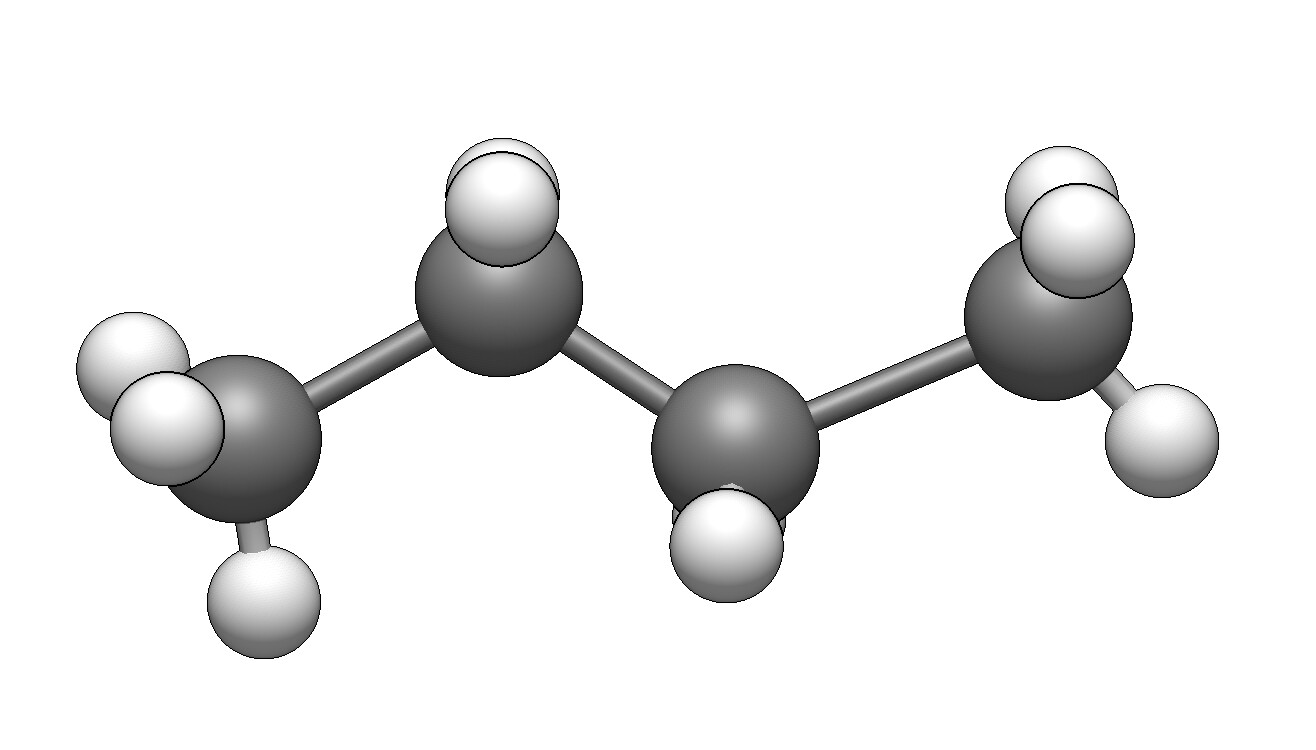
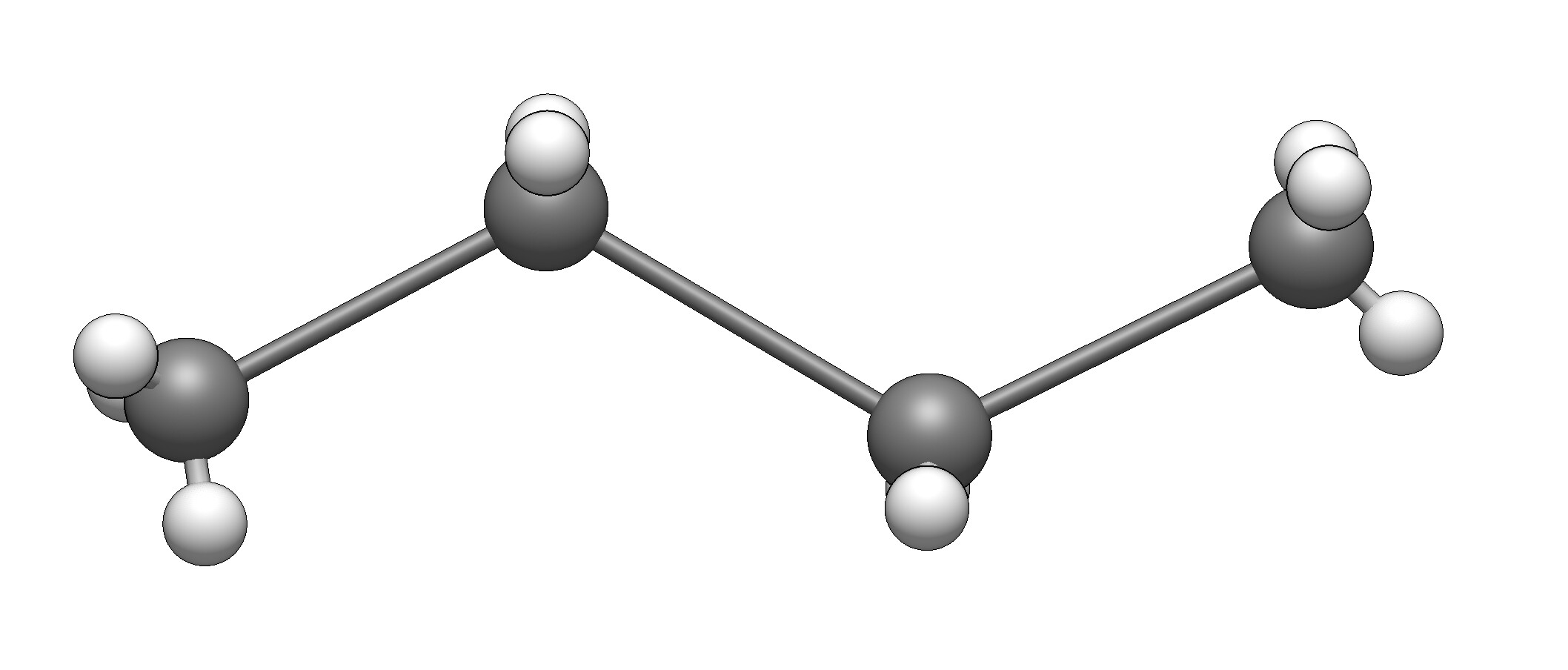
I reboot my Mac, and it starts working for semi-empirical QM. However, I found that the optimised and smart opt under semi-empirical methods do not always work. It seems these functions are sensitive to structural deformation. An example is here:
When draw a structure, one can end in these two scenarios:
Both optimise and smart opt accept the first one and perform optimisation, but the second one (no response at all). I tested about 10 times; Avogadro crashed twice. Open Babel does not have such an issue.
RDkit still not working.
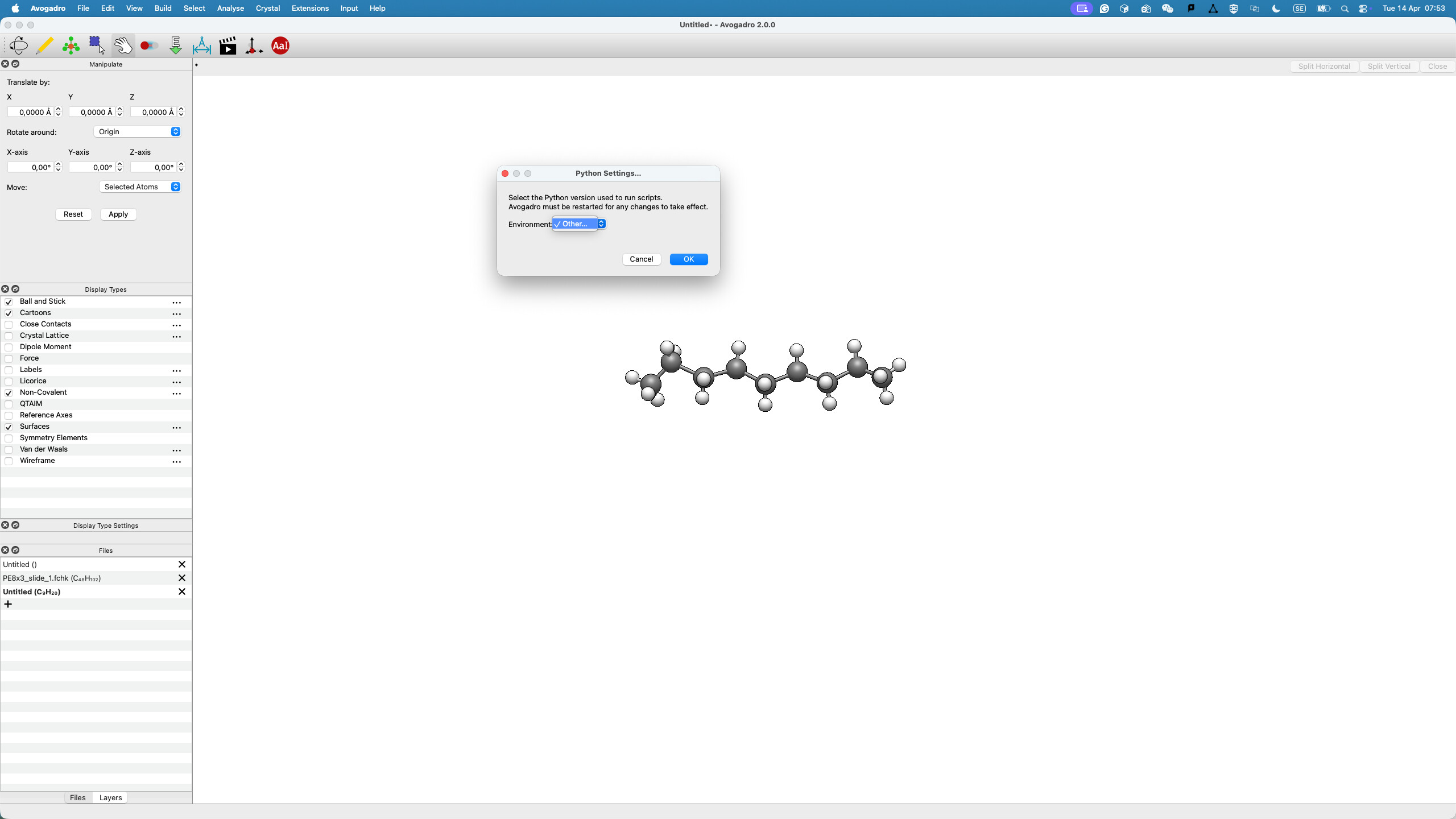
I click the pop-up window when using the old version to upgrade, so I am not sure which one I have downloaded.
Correct, that’s what the Go to Calculation Files menu command is for, it takes you to where the calculations are stored (and the most recent calculation is the one in the last directory).
@Renyun_Zhang What would be really useful would be if you could upload the xtb output file itself (last/output.out) and the easyxtb log file ( ~/Library/Application Support/easyxtb/log.log) after one of the calculations that crashes.