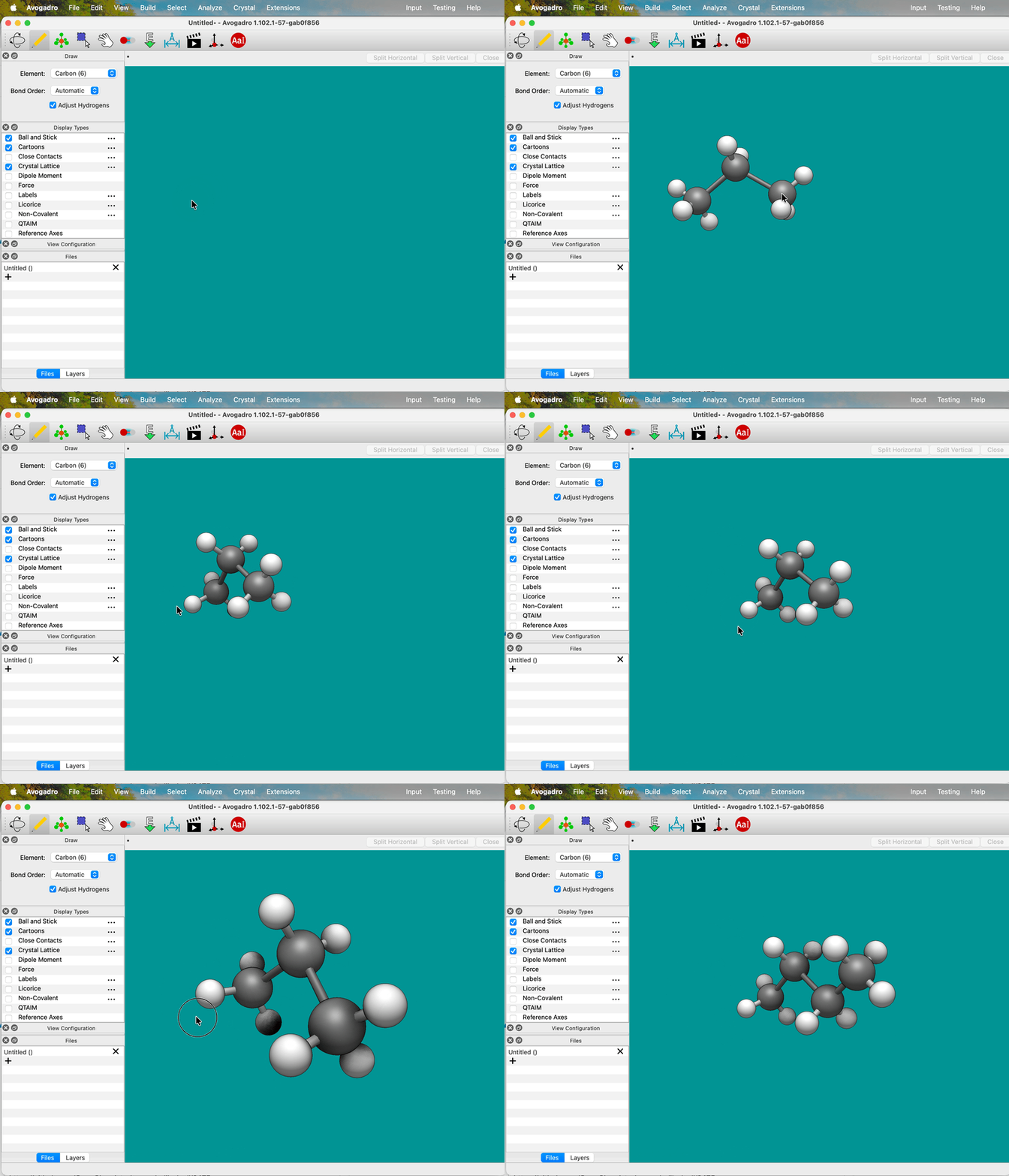
One thing we’ve done with Avogadro free-form draw tool and the template tool is to make it easy to click and drag where you want to create atoms.
The downside is that you can’t easily rotate / zoom / translate while you’re editing. One of my students mentioned this to me this week. (Well, you can zoom with a trackpad or scroll wheel, but that’s it.)
And an idea popped into my head.. what if rotate / zoom / translate were enabled when you drag with a modifier key (e.g., shift, control, alt)… (I’ll have to think a bit about Mac trackpad use with control-click to delete an atom, but that seems solvable.)
I think a modifier key would be good. Intuitively I want to say Shift, but I can see a case for Alt since Shift already has a behavior when you’re in the Navigate tool.
Speaking of the behavior of Shift in the Navigate tool (smooth segue), I have found it time and again frustrating that Shift means the mouse both zooms and rotates at the same time. I, nor anyone I’ve met, am capable of moving the mouse perfectly vertically or perfectly horizontally, and so when I want fine rotation control I have to constantly battle the fact that any movement up or down zooms in or out.
Perhaps there can be two separate keys for this? I think Shift for up and down and Alt for rotating clockwise and counterclockwise in the XY plane makes sense. Additionally, Ctrl+Alt would be a good combination for rotating in the YZ plane, and perhaps Shift+Alt for rotating in the XZ plane?
I was also thinking Alt since it literally means “alternate” (or Option key on the Mac) and that seemed to fit.
Maybe. It’s definitely worth discussing if combinations of modifier keys should have specific meaning.
I’m not sure I’d want to change-up the current meanings of the main modifier keys (e.g., Control will translate). I can understand if there’s interest in moving Shift simply to the “Tilt” rotation and separating out zoom .. largely because a lot of users now have trackpads or mice with scroll / zoom interaction options now.
But it needs to be based on the current camera view, which is often not a specific orientation (e.g., XZ vs. XY, etc.)
I think it wouldn’t be a problem to have them perform specific actions, since currently any combination of modifiers just does nothing, and in fact disables left-clicking and dragging altogether (combining modifiers and right-clicking and dragging just moves the molecule normally).
I wouldn’t want to change Ctrl to do anything different, I personally find it very useful when I’m limited to trackpad. I think I do agree though that Shift would be good for only tilt (I’m not sure what I even meant when I typed “up and down”…), but I think since Alt is currently undefined it wouldn’t be a problem to change it to tilt in and out.
Yes, I did not quite have the words I wanted at hand when I wrote XY and XZ, I was just using the default alignment of the axes as my reference for the planes .
I think a way to improve discoverability would be to have a small icon pop up in (for example) the top right corner of the window that shows the movement method that the modifier enables. For example if you are holding Shift to get to tilt mode, the icon would look something like
Yeah, this was the point of the “eyecandy” in Avo 1 - it would pop up those indicators. I’ll see if I can get some sort of custom mesh to bring that back. It was definitely helpful.
 .
.