Please consider submitting issues to GitHub which will enable tracking bug reports and suggestions. These will be closed and updated automatically when they are fixed – including notifications.
I believe this to be a bug with Avogadro:
(Please describe your bug or issue)
i am not able to access the toolbar for atom selection and moving the atoms around
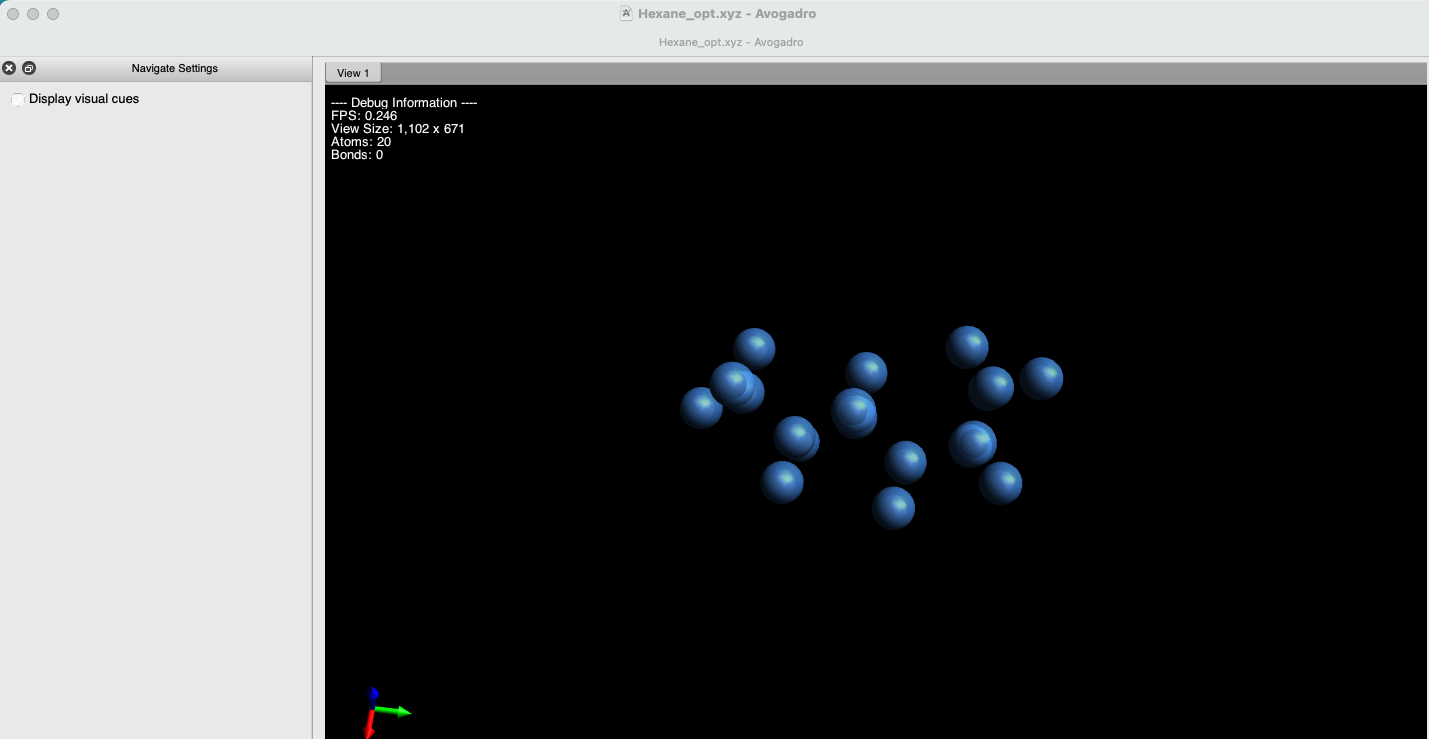
Environment Information
Avogadro version:1.2.0
Operating system and version: macOS Sequoia 15.7
Expected Behavior
should have toolbar open up when i open the app
Actual Behavior
no toolbar to be seen
Steps to Reproduce
Please upload files if appropriate here (or via file-sharing service like Dropbox or Pastebin)