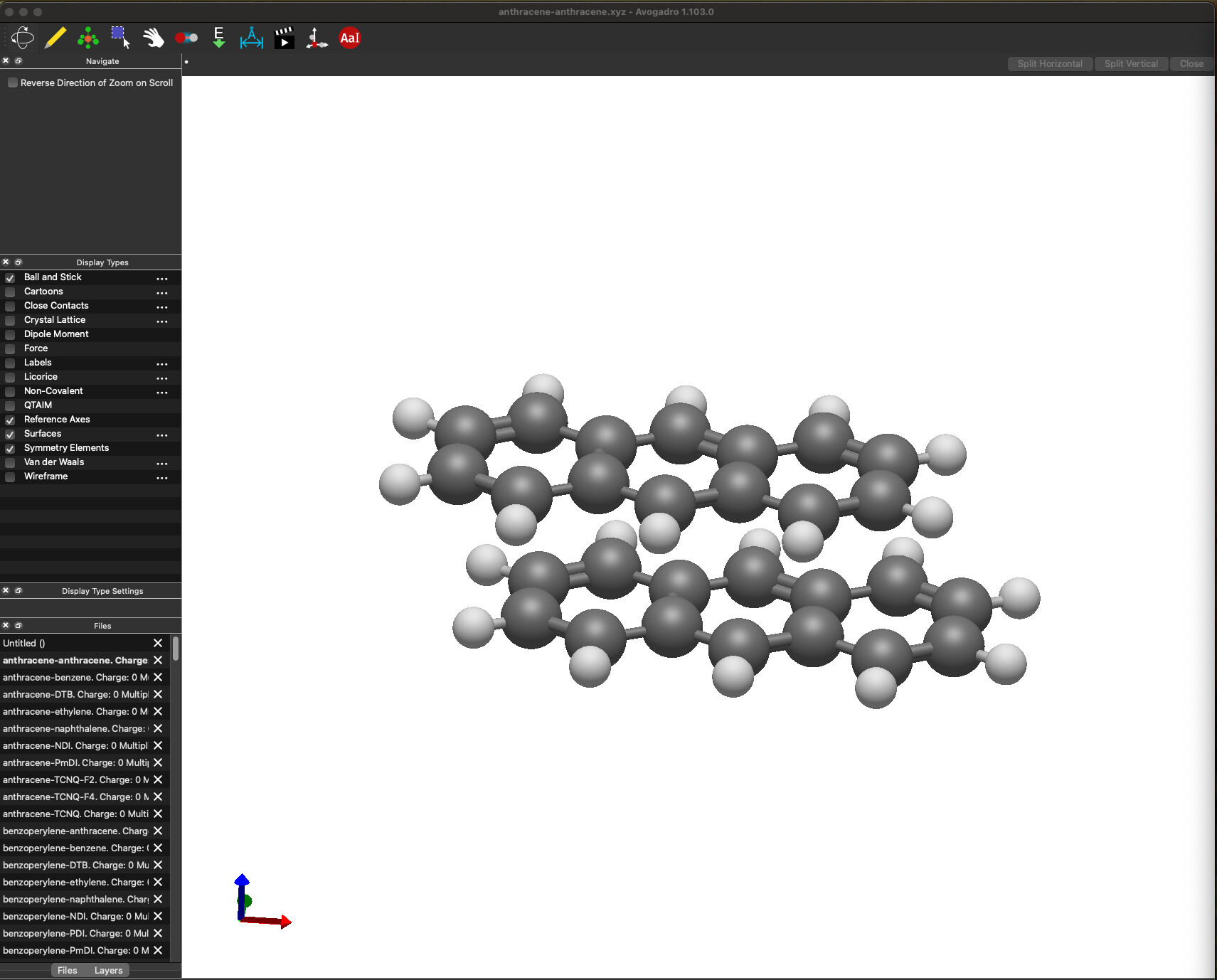
I found myself looking for a keyboard shortcut that would allow me to go through the files quickly to glance and make sure everything is ok. Is there anything like it already in Avogadro?
There doesn’t seem to be a keybind for this yet. From some initial testing though in theory you could hit Tab twice and then use arrow keys to go up and down, but that is not fast.
Until that keybind gets added, I’d suggest writing a Python script that concatenates all of the molecules into one file so you can use the Animation tool to cycle through all of them.
I mean, Ctrl+Tab switches through tabs in just about every application with tabs. Perhaps since switching files is like switching tabs that could be an option?
Of course one thing I realized as I’m testing it.. on Mac, Command-Tab is captured by the OS to switch applications, so we’ll never receive it. I’ll think if there’s a useful alternative.
Looks like it’s Control+Tab and Control-Shift-Tab (with the control rather than the command key) and I’ll need to figure out how to get that on Qt for Mac. Looks like that’s Qt::MetaModifier
Okay, the next continuous release (in about 20-30 minutes) should now have this on Mac too. Control+Tab = next file and Control+Shift+Tab = previous file.
The one caveat is if another window pops up (e.g. MO, vibrations) the shortcut won’t get sent to the main window. We can fix this after 2.0 by adding menu items, but I told all the translators we wouldn’t add more text until after the release.