Thank you for all your hard work developing Avogadro2.
I believe this to be a bug with Avogadro:
(Please describe your bug or issue)
Environment Information
Avogadro version: Avogadro2 1.102.1 Nightly Build
Operating system and version: windows 11
Actual Behavior
On opening a Gaussian .out file, the following dialog appears:
“Error while reading file ‘C:/Users/~~.out’:”
I am unable to open the Gaussian output file in Avogadro2.
Steps to Reproduce
・File → Open or drug and drop the Gaussian .out file.
・Observe the error dialog indicating that the file cannot be read.
I have sent the file to you via message.
The file I sent contains a simple structure-optimized water monomer; however, the same error occurs regardless of the molecular size or complexity.
I apologize for my delayed response.
Since I do not usually work with .fchk files, I am not sure whether I can load them. I will try if I have time.
As far as I recall, I was able to read .xyz and .pdb files without any issues.
Could it be that I have misconfigured something on my side?
If I no longer have the .fchk or .chk file, but I do have the output file, is it possible to generate a new .fchk file without redoing the entire calculation? Probably not, but it’s worth asking.
This might have already been addressed in another thread, but I wanted to share my experience.
I am also unable to open .out files with Avogadro2 on Windows 11. As a workaround, I use OpenBabel to convert the final structure into an .xyz file.
If you’re just looking for the final structure, OpenBabel is a quick fix. If you need the orbitals, perhaps you could perform a single-point calculation on the optimized structure to get the .chk file.
Can you post an example file as well? I’d like to figure out why this isn’t working - particularly if this is a pattern of Windows users unable to open .out files…
Do other kinds of files work? Or is it just reading .out?
Oh, another question - also for @davidshobe - the .out processing has to figure out the file type and then read it. If you change the extension to something like .g09 or .g16 (i.e., it can only be a Gaussian file) does it work?
I am currently unable to open .out files generated by Gaussian 16 geometry optimization calculations. Interestingly, the application successfully opens .out files generated by ORCA for the same type of calculations.
I have attempted to resolve this by changing the file extension to .g09 and .g16; however, the files still failed to load. As I previously reported, I can successfully open .fchk files generated by Gaussian.
I hope this information is of assistance for your investigation.
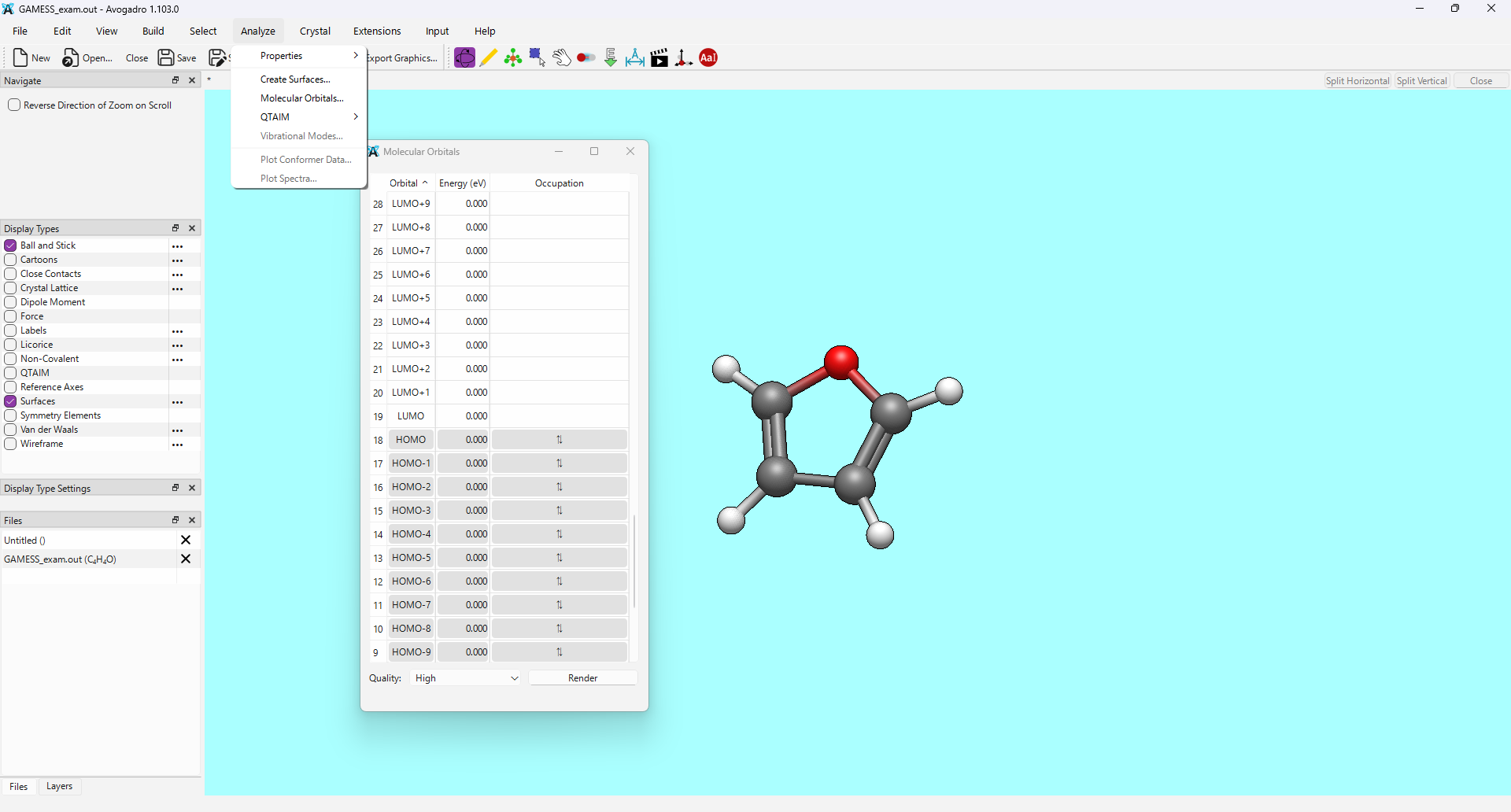
Out of curiosity, I also tested .out files from GAMESS-US. While the files loaded, the frequency results were missing, and the molecular orbitals did not render correctly.
It’s been a very long time since I’ve used GAMESS-US, and I’m sure the output format has changed significantly since anyone’s touched that particular import code. I can take a look, but it’ll be somewhat lower priority.
I am experiencing the same issue with Gaussian .log files and on Avogadro 2.0.0 on Windows 11. I have also tried renaming to .g16 but still get an OpenBabel conversion error.
Is anyone checking this thread or should I report a new bug?
I’ve been having the same issue (nightly build) on both Mac (M1) and 2 separate PCs. Will open just fine using Avogadro 1.2 on Mac. I’ve changed filenames (log, out, g16), downloaded and then deleted and reinstalled dependencies (cclib), updated and restarted all computers.
I’ve attached a copy of the file that works with 1.2. Don’t have a .chk file for this as it came from a supercomputing cluster (hence the need to view frequencies). I would keep using 1.2, but new researchers in my lab cannot use 1.2 on their PCs for whatever technical reasons.
Just my 0.02 worth of experiences with the ZrF4_3.log file example. All on MacOS.
On the current build I get an error reading the file (Opening file with ‘Avogadro: Generic Output’).
On the nightly build (downloaded today) Avogadro hangs and has to be force quit. Changing the extension to .g16 gives an error (‘Warning: unknown error’).
Avogadro 1.2 opens the file fine and the Vibrations pane opens and modes can be animated.
The hang. I have a pretty good idea of the patch that caused that. Which I’ll fix shortly.
I don’t understand why many of you are having problems reading this file when it works just fine for me.
@myoung - can you try launching from the terminal to show me anything that pops up when you read it with the .g16 extension? There should be more information on the command line.