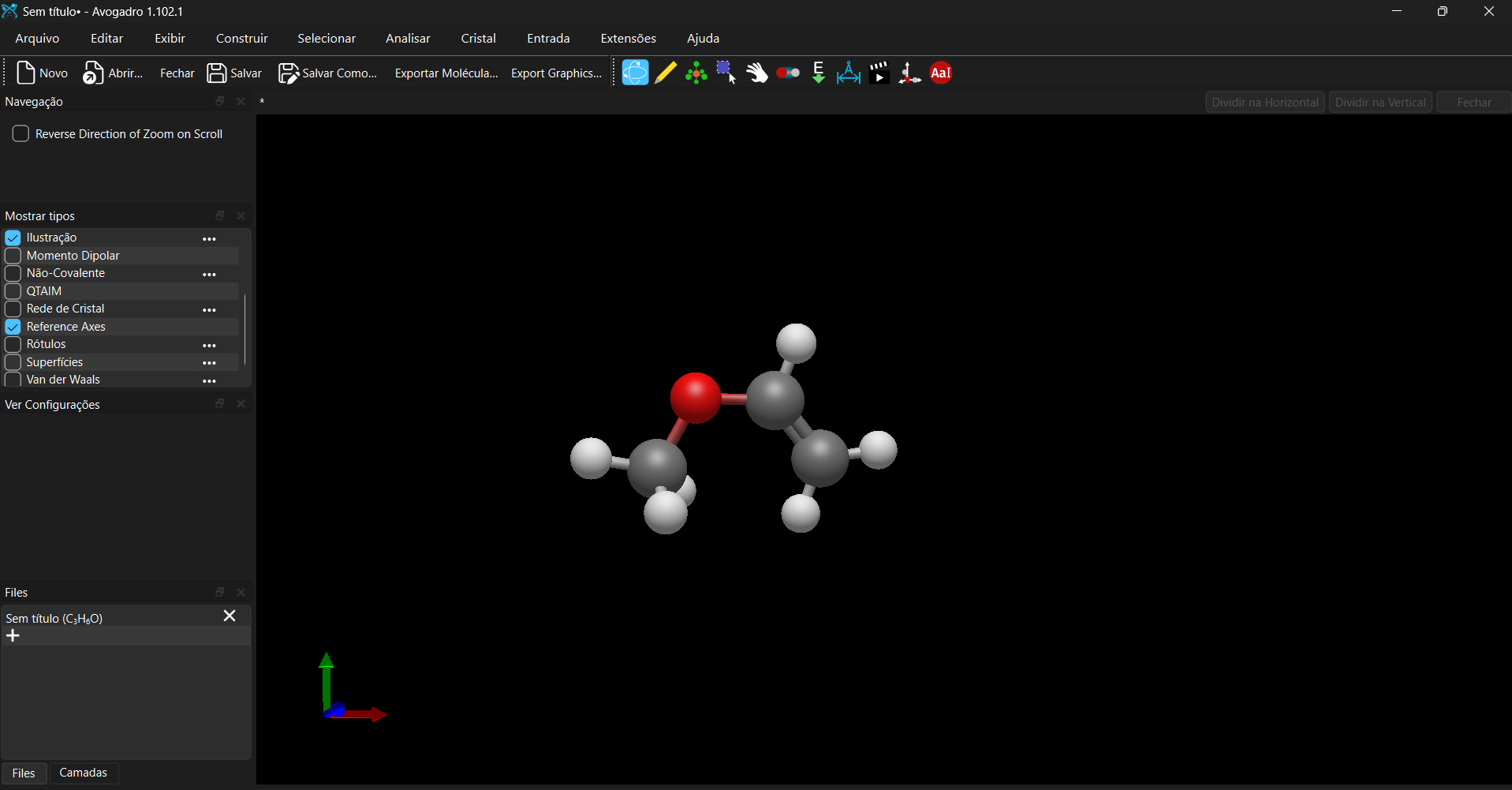
I feel like I’m probably missing something super obvious here, but I just updated Avogadro2 to version 1.102.0. The new interface actually looks pretty well, but it suddenly switched over to a dark theme.
I’m running Windows 11 and my system theme is set to dark mode. But here’s the thing: the old version of Avogadro2 always showed up in a light/white theme for me (which I prefer). Is there a simple toggle or setting I can use to switch it back to the light theme? I’d really appreciate the help!