I’m looking for a way to label each atom with an arbitrary label. In
the label engine, there is an option for custom data. By default, this
shows the atom symbol. Is it possible to change this? If it is, it is
not obvious how. Maybe put a button in the settings dialog?
You can do it with the selection tool (F11), right click on the atom and choose ‘Change label’. Not the most intuitive way, also because the ‘custom data’ option in the labels is misguiding imo. But at least it can be done.
[Edit] Mmmhh, the header on the comment says “9 years later”… Didn’t see that.
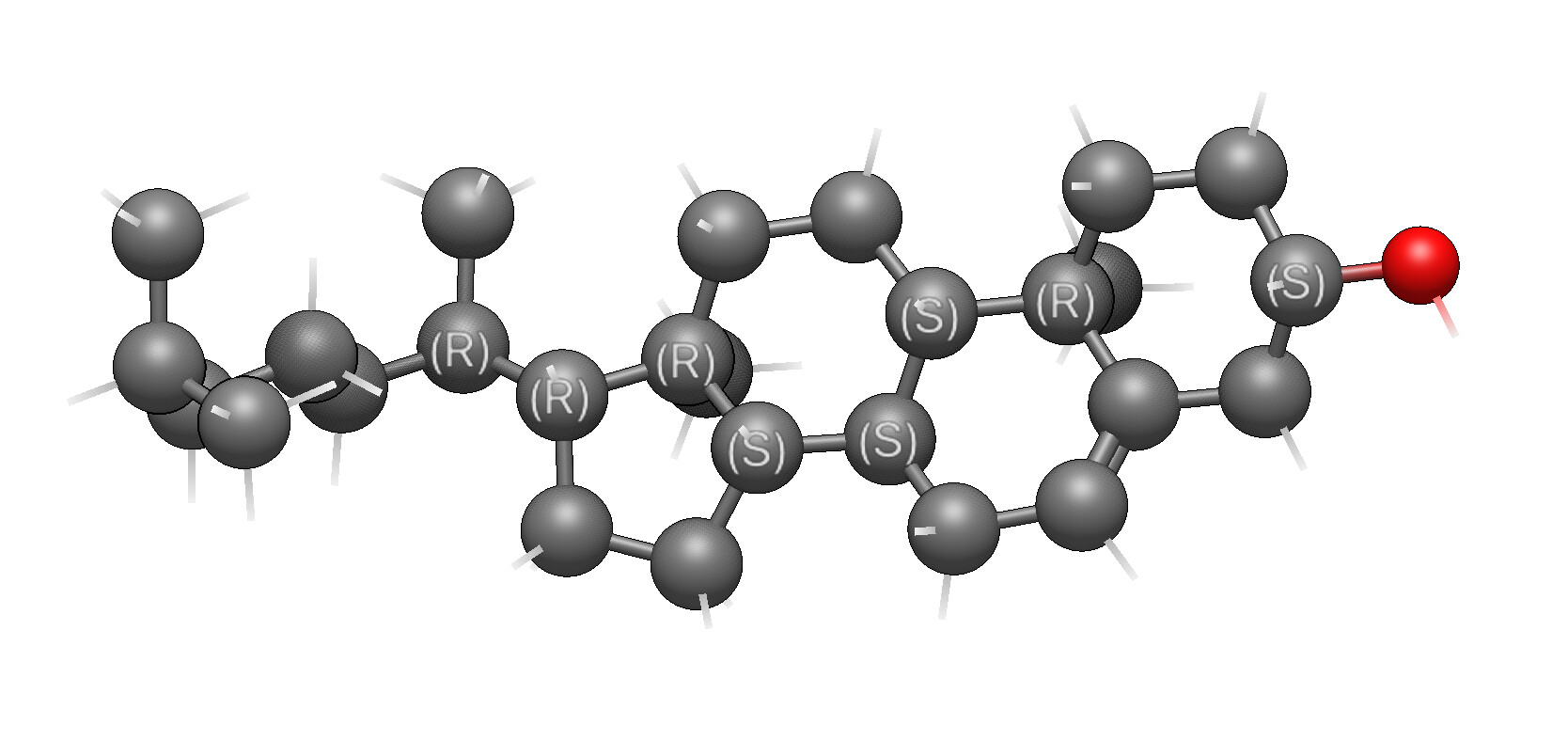
I am still to new at this to know whether this is available, but it would be of value to be able to label chirality (centers, axes, whatever). Centers are clearly the most important. It would be nice if you could click on something and have the chiral centers identified as R or S. Is that available in the software?
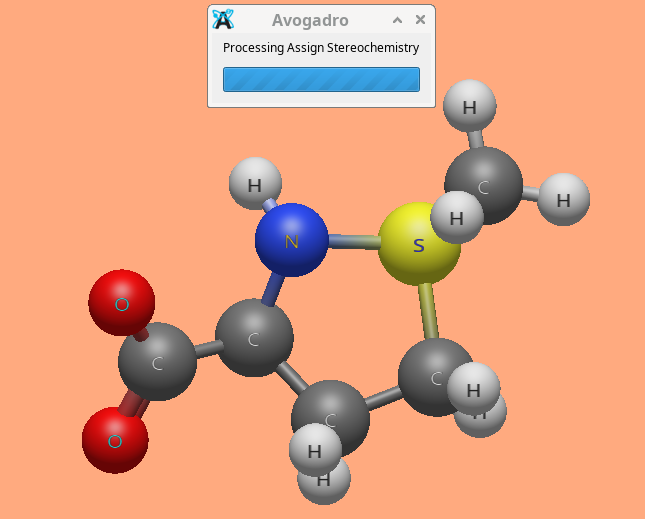
I installed the rdkit plugin and gave it dehydromethionine as a test (which has an S center). I clicked on rdkit>assign stereochemistry. It came up with a box saying “Processing Assign stereochemistry” and that box has been there for over 20 minutes with no assignment. It looks like some sort of infinite loop. Appimage in Fedora version. I then tried it in windows 10 and got the same thing.
Hmm. I’m getting the same thing on my Mac. I’ll hopefully have some time tomorrow. The good news is it should be an easy fix and you can install the updated plugin.
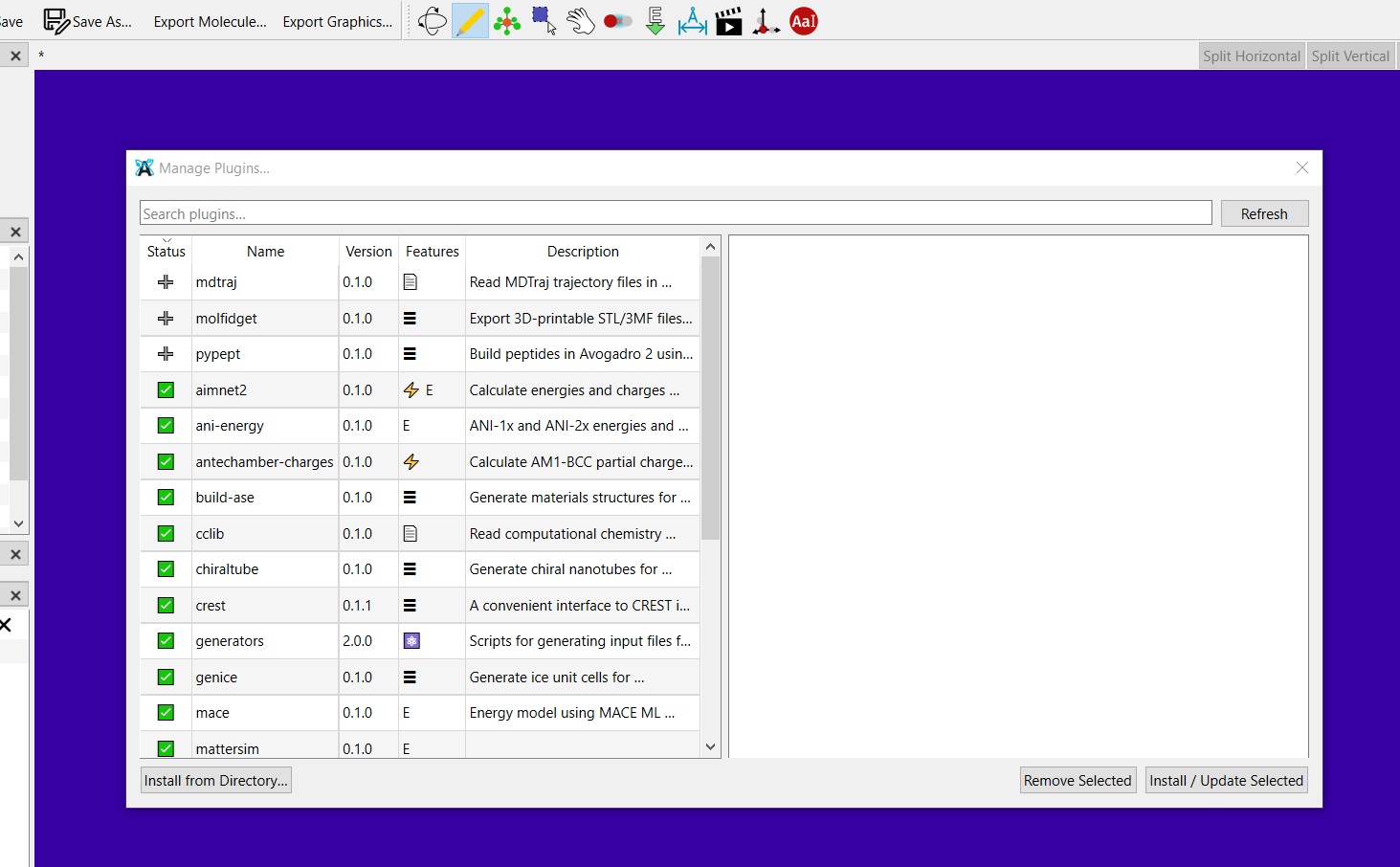
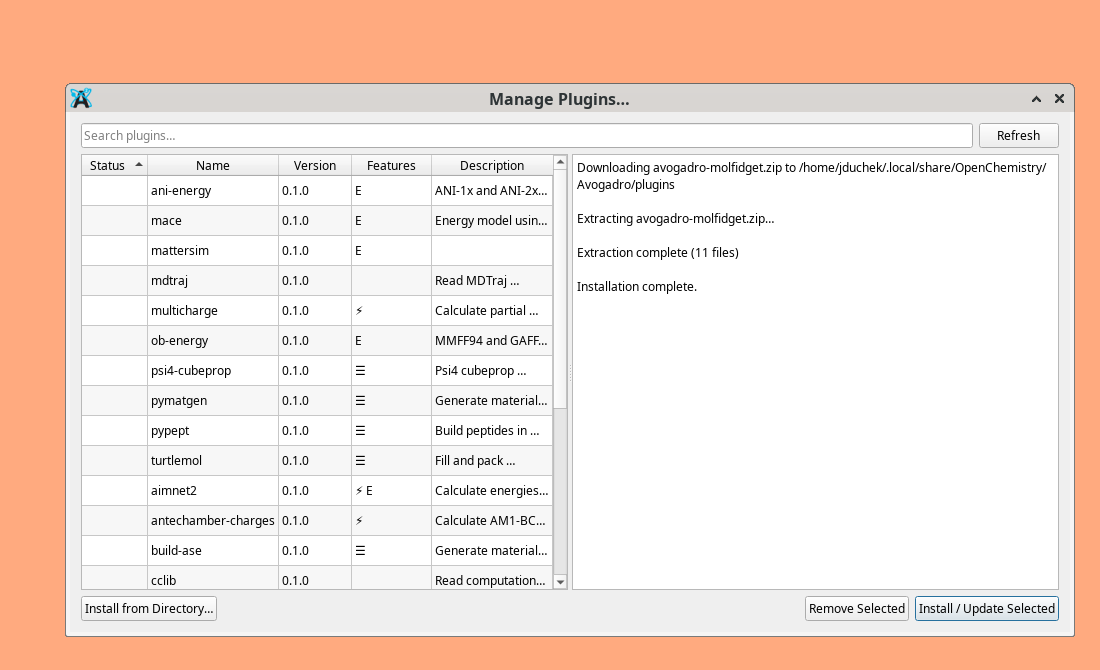
I have noticed another difference between the windows version and the Appimage. I was trying to update the rdkit plugin. I found that the windows version has a checkmark for the installed plugins, and another mark for ones with an update available. The appimage shows those boxes as blank before and after installation of a plugin.
Thanks - I’ll have to see what we can do for fall-back options. I guess the default font doesn’t have many emoji.
The next version bump for the RDKit plugin (e.g., by tomorrow) will fix the “(R)” ⇒ “R” labels and add bond stereo labels as well. (Seemed like a good thing for teaching purposes.)
I updated Rdkit on the appimage and on windows. Unless they are extremely slow, they do not seem to work. dehydromethoionine (on the Appimage) is still giving me “processing Assign Stereochemistry” after 20 minutes. (1 chiral center). On windows the same thing is true using pemoline. Both of those are single ring structures. Same thing for alanine (no ring) on both computers. BTW the only program I know does stereochemical labels is hyperchem. It was proprietary and died in 2008 though its website still exists. I still have a copy (it may be a hacked copy as it provides the installation key) It is pretty much the last version they put out) and it does do it. It is set up so there is a window where you put all the properties you want in, one of them is chirality, and it then labels all the centers from then til you turn it off.
Also you mentioned a new babel version is coming out. Please let me know when it does and I will dl it. I am hunting around to see if I can find others.
John