Can Avogadro read Gaussian output?
If so, does the file have to have a certain extension?
–David Shobe
Can Avogadro read Gaussian output?
If so, does the file have to have a certain extension?
–David Shobe
Of course. It reads through Open Babel, which should work with: .out .log .g98 .g03 .g09 .g16 extensions.
It also has integrated support for reading .cube and .fchk files.
Then why do I get an error with this file? There is no error with GaussView.
hepta135triene.out (349.3 KB)
EDIT: Is Open Babel a separate download?
I am also using 1.103.0, on Windows 11 Home.
Gemini (Google) tells me that OpenBabel is a separate download only for Linux users. It also tells me that my best option is to copy the last standard orientation, paste it into the atomic coordinate editor in the build menu, and manually manipulate it until it’s formatted correctly.  There were other options, but they involved files I no longer had (like the .fchk file), or they involved programs and skills I don’t have . Gemini also said it was because my Gaussian job was multi-step (a CBS-QB3 calculation) that the parsing failed.
This is all AI though…you never know when it’s right or not.
Text
You’re literally at the forum getting responses from the lead developer.
You said you’re using Windows. Which includes Open Babel. As does our Linux packages in AppImage and Flatpak format. While some Linux distributions provide packages, I believe most include Open Babel as a recommended dependency.
I told you explicitly that I read it just fine in my copy.
I don’t know why it’s not reading on your computer, but it’s not because Open Babel isn’t included. If you need that particular file right now, I’d suggest using cclib Python package to parse to a CJSON file.
I’m not sure why you’re telling the forum what an AI is telling you. I have no idea how Gemini is coming to those conclusions, but it’s wrong.
I’m sorry. I thought that if I said nothing, that would be the end of the conversation. So I moved on. But I’m glad you responded anyway.
Less verbosity: Is cclib a standalone program, or do I invoke it within Avogadro? And do I have to understand Python to use it?
What error message do you get when opening the file? A more specific description of the error would make it easier to diagnose the problem.
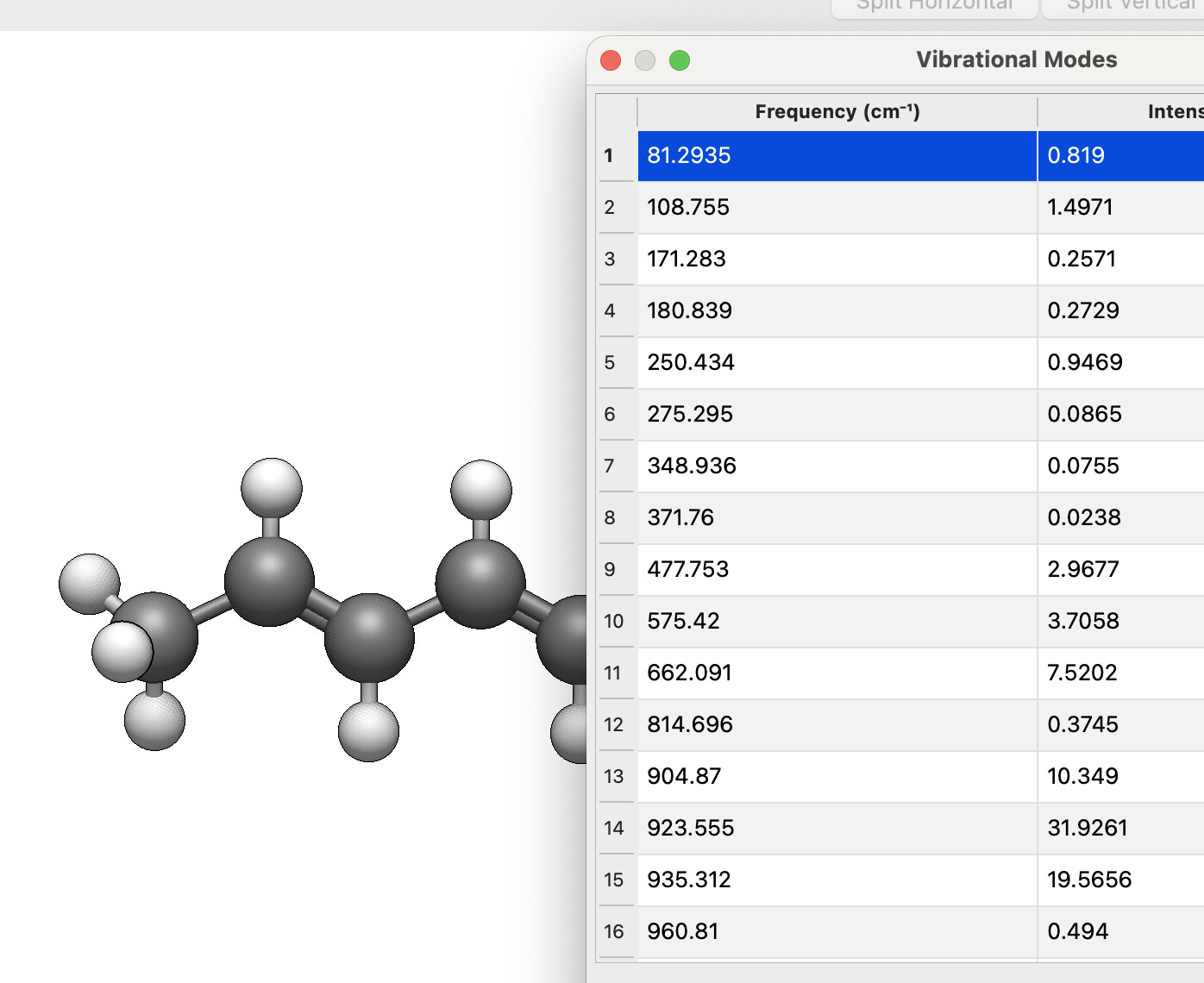
I tried the same file using the Linux AppImage (version 1.103.0, stable). It loads the structure when using the Open button, but the vibrations are not included. With the latest nightly build, however, the vibrations are displayed correctly.
Regarding Python, you should make sure it is located in a directory that is included in your system PATH. I’m not very familiar with Windows, but I believe the Miniconda installer asks whether you want to add Python to your PATH. Did you select that option?
In any case, you should not need to modify Python code to use Avogadro. Having Python accessible simply allows Avogadro to use some plugins.
There is no specific error message, just a box saying:
Error while reading file ‘C:\G09W\Scratch\hepta135triene.out’:
I can go through the motions of downloading cclib within Avogadro, and get this output:
Downloading cclib.zip to C:/Users/avids/AppData/Local/OpenChemistry/Avogadro
Extracting C:/Users/avids/AppData/Local/OpenChemistry/Avogadro/cclib.zip to C:/Users/avids/AppData/Local/OpenChemistry/Avogadro/formatScripts/
Finished 11 files
Extraction successful
but I still get the error when I try to import the file.
=====
I did add the directory containing Python.exe to PATH, and verified that the addition persists after restart.
=====
What DOES work (on my computer):
Yes, you’ll also need to install the cclib package itself. This is one reason you see all the posts on here about the new plugin framework (e.g., in the latest continuous releases). It will install any needed Python packages and set things up for you.
Yes. I generally compress these, e.g., 7-zip on Windows. At the moment, Avogadro2 doesn’t support reading compressed files, but stay tuned.
Sure, although GaussView can save in a variety of formats that Avogadro does read, including XYZ and PDB.
Can you explain your workflow a bit? What are you trying to get from these Gaussian output files - just the coordinates? In that case, you might also want to install the Open Babel GUI for Windows, which would let you batch-convert the output files to XYZ coordinate files.
I’d still like to figure out why Avogadro on Windows won’t open that particular file, but in the meantime, it’s good to get some workarounds.
I just need the optimized geometries, in order to calculate properties in ORCA that I didn’t calculate in the Gaussian run. I have 30 geometries needed for the current project, but there may be others later, which is why I don’t relish the idea of manually converting each one.
I will try Open Babel GUI.
If you have 30 files, you definitely want to use Open Babel. That’s one of the main reasons I started it - batch processing.