Please consider submitting issues to GitHub which will enable tracking bug reports and suggestions. These will be closed and updated automatically when they are fixed – including notifications.
I believe this to be a bug with Avogadro:
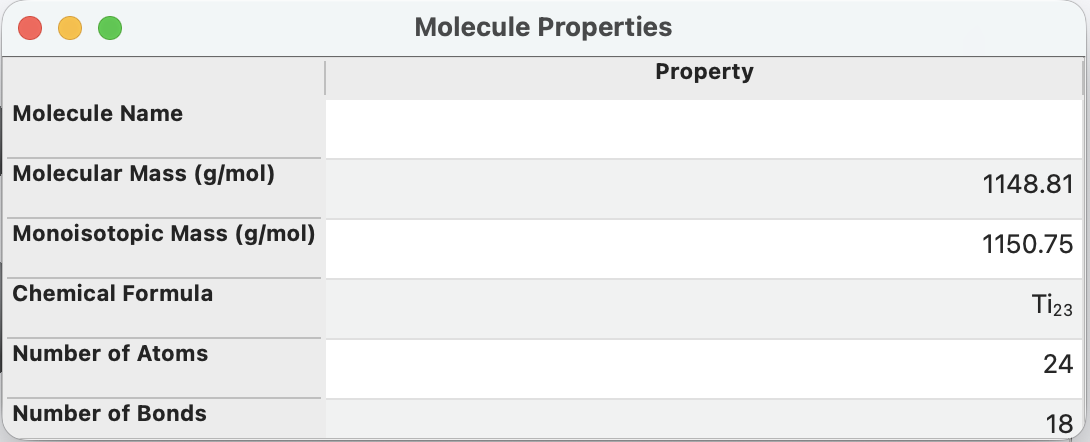
The molecular formula doesn’t align with the number of reported atoms when I press analyze properties molecular formula. Also, I have to press molecular formula twice before it pops up.
Environment Information
Avogadro version: 2
Operating system and version: MacOS
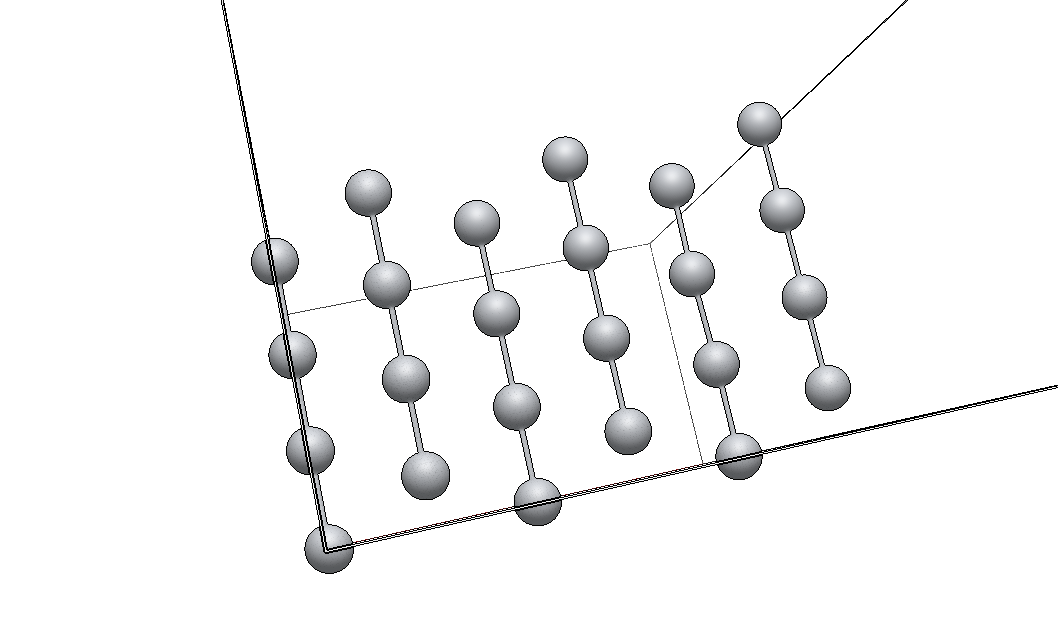
By my count, the “up” chains of 4 atoms are fully in your unit cell. So that’s 3*4 = 12 atoms.
Then there are two “down” chains in the middle of the box with 3 atoms each fully in the box and two atoms on an edge, so when I “fill,” I should get another 8 atoms = 20 atoms.
Finally, you have one chain on the left edge of the box. That’s three atoms 1/2 each, plus a corner atom. The three atoms should “fill” on the other side, so that’s 3 full = 23. It’s less clear on how the corner atom should count with its translational copies.
So yes, maybe it’s 24? Or 23? Or 23.5?
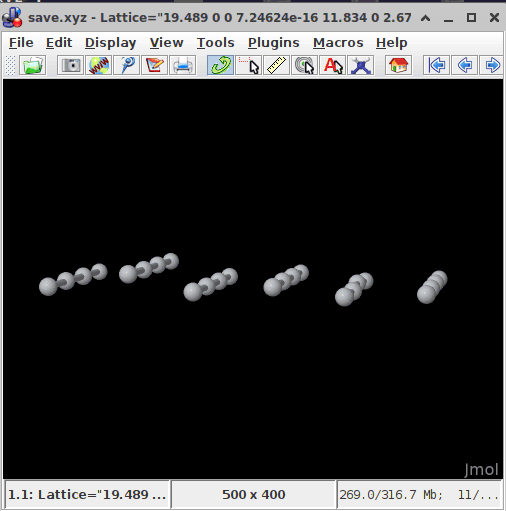
Do you need the formula to say something particular? It looks like you intentionally generated a slab.
you can read the Hill formula (here \ce{Ti_{24}}). If you can, a .cif file would be more suitable here - regardless if the structure model is 2D, or 3D - because this would describe the atomic positions with (typically fractional) coordinates within the unit cell. The assigned symmetry would include symmetry operators like