At one time I thought this was working but it is not. Under both Avogadro2.appimage and windows avogadro2 I have been working with the latest version of MOPAC (2023). A2 writes the .mop file. I run it through MOPAC and obtain an .out file, but that file gives an error when I try to load it. Same error for both appimage and windows..on several different structures.
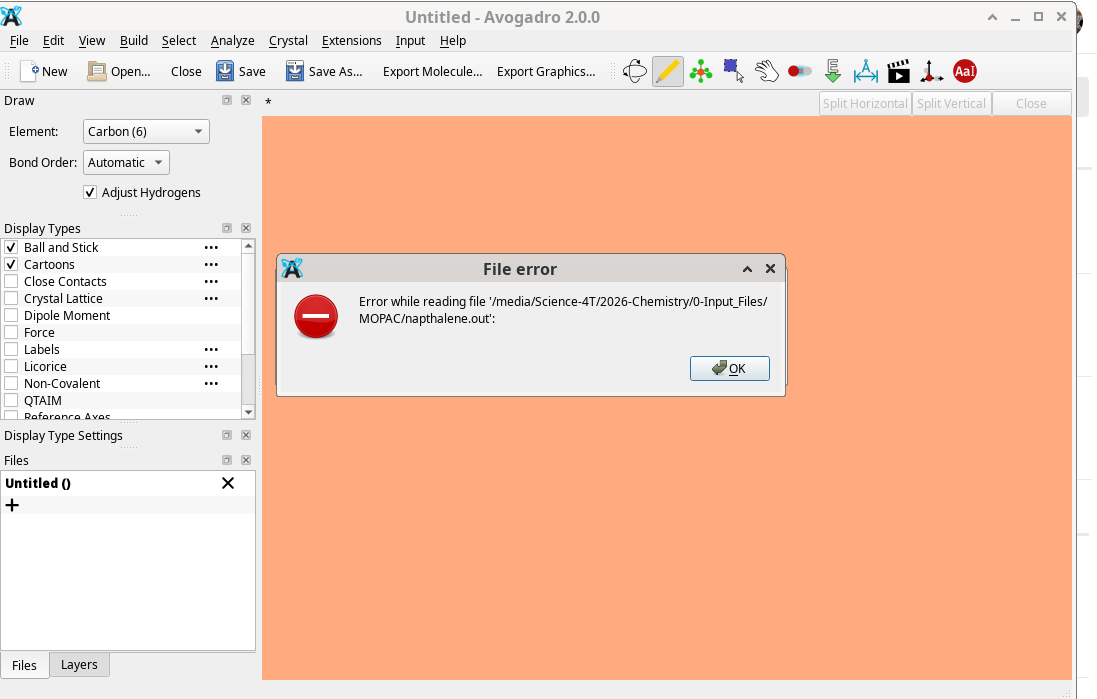
I would not be surprised if the MOPAC files have changed over the years.
Whenever you have a problem with “this file doesn’t read properly” it helps to have the file itself. Can you please post it? Thanks
camphor.out (19.8 KB)
napthalene.out (14.3 KB)
This is just a side note. Fedora 44 has now updated the native installation of avogadro2 to the current version so one doesn’t need to use the appimage.
John
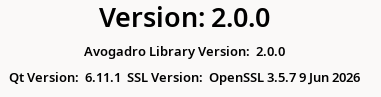
I can’t remember - does the AppImage allow you to run from the terminal? If so, please try this:
chmod a+x Avogadro2-x86_64.AppImage
AVO_PYTHON_SCRIPT_DEBUG=1 Avogadro2-x86_64.AppImage
If you run it from the command-line, particularly with the AVO_PYTHON_SCRIPT_DEBUG=1 should give more information.
Avogadro 2 now installs on Fedora from the repository. I am using the native version and am running it both on fedora 44 and fedora 45(beta). before pixi is installed I get a pixi not found error. The command I use to install it is: curl -fsSL https://pixi.sh/install.sh | sh
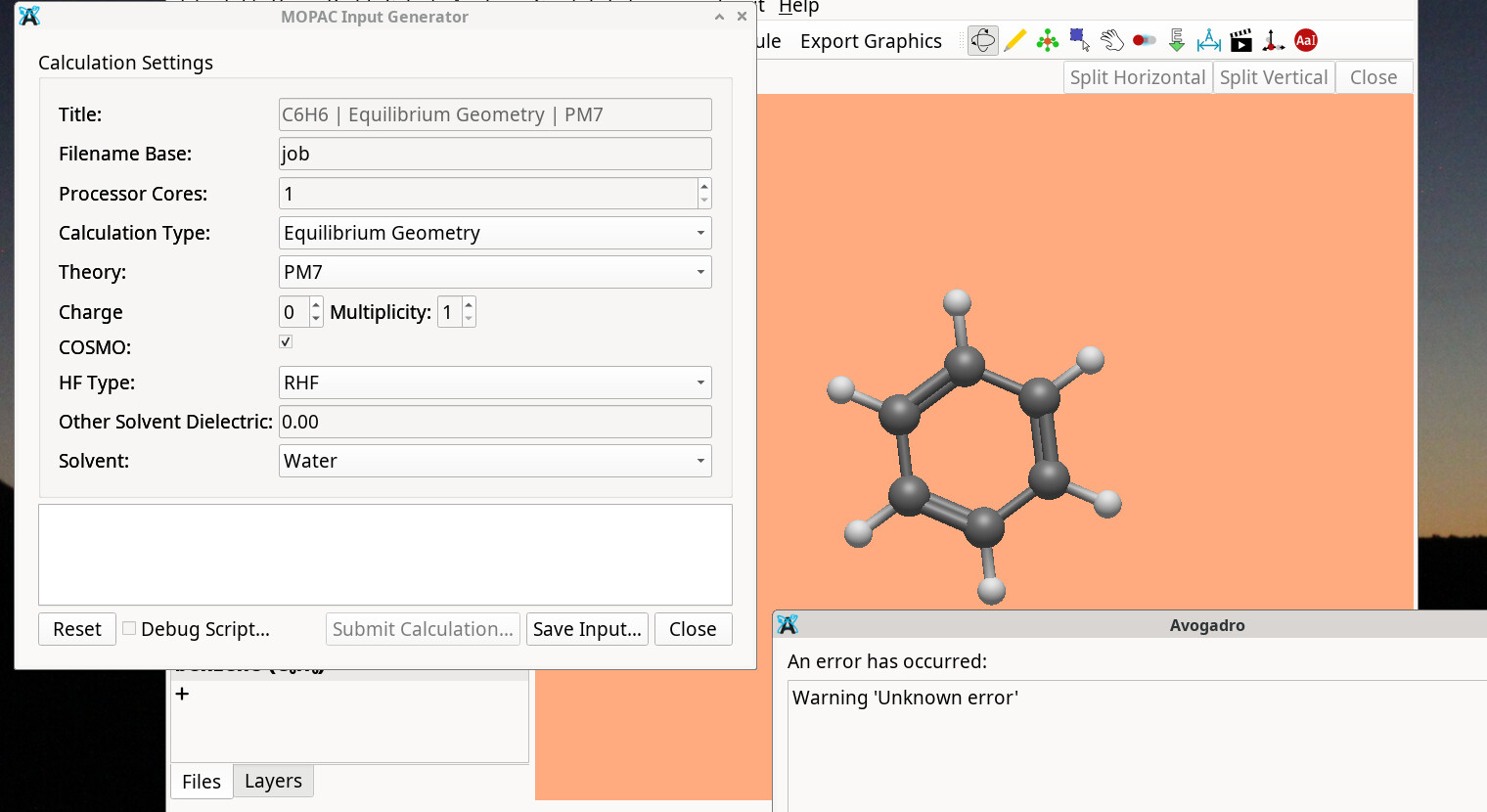
I suspect Avogadro cannot find it and give the unknown error. In addition I ran through all of the input possibilities and only 2 produce a file. All the rest give the unknown error. The two that do not are LAMMPS and openmm. I am trying to learn more about all of them but use MOPAC as it is the one I am most familiar with as it is the one that CAChe and Hyperchem used.
On starting the native version from the command line I get
jduchek@HP-K:~$ avogadro2
qt.core.qobject.connect: QObject::connect(QObject, Unknown): invalid nullptr parameter
qt.qpa.services: Failed to register with host portal QDBusError(“org.freedesktop.DBus.Error.NameHasNoOwner”, “Could not activate remote peer ‘org.freedesktop.portal.Desktop’: startup job failed”)
qt.qpa.theme.gnome: dbus reply error: [ “org.freedesktop.DBus.Error.NameHasNoOwner” ] “Could not activate remote peer ‘org.freedesktop.portal.Desktop’: startup job failed”
qt.qpa.theme.gnome: dbus reply error: [ “org.freedesktop.DBus.Error.NameHasNoOwner” ] “Could not activate remote peer ‘org.freedesktop.portal.Desktop’: startup job failed”
When I try to run MOPAC on benzene it adds:
QIODevice::read (QSslSocket): device not open
“Warning ‘Unknown error’”
“Warning ‘Unknown error’”
Okay, that’s easier. Can you try:
AVO_PYTHON_SCRIPT_DEBUG=1 avogadro2
That should enable all the debugging bits.
I might also suggest installing the xtb plugin. In many ways it fulfills a similar idea as MOPAC - provide a fast quantum chemical method.
ok, I ran this.
jduchek@HP-K:~$ AVO_PYTHON_SCRIPT_DEBUG=1 avogadro2
qt.core.qobject.connect: QObject::connect(QObject, Unknown): invalid
nullptr parameter
qt.qpa.services: Failed to register with host portal
QDBusError(“org.freedesktop.DBus.Error.NameHasNoOwner”, “Could not
activate remote peer ‘org.freedesktop.portal.Desktop’: startup job failed”)
qt.qpa.theme.gnome: dbus reply error: [
“org.freedesktop.DBus.Error.NameHasNoOwner” ] “Could not activate remote
peer ‘org.freedesktop.portal.Desktop’: startup job failed”
qt.qpa.theme.gnome: dbus reply error: [
“org.freedesktop.DBus.Error.NameHasNoOwner” ] “Could not activate remote
peer ‘org.freedesktop.portal.Desktop’: startup job failed”
QIODevice::read (QSslSocket): device not open
avogadro came up so I then put in benzene and ran mopac
and this came up in the program
Error running script ‘/home/jduchek/.pixi/bin/pixi run --as-is
avogadro-generators mopac --debug --lang en_US’: Abnormal exit status
127 (Unknown error.: Unknown error)
Output:
avogadro-generators: command not found
Thanks for the tip. I will try xtb out
Ah, that’s more interesting. Let me see what I can do - is that a release or a recent nightly AppImage? (I’ve tried fixing a few of these in recent builds)
Okay, in this case, I can’t help you with a build, but it seems like the generators weren’t installed properly. There are a bunch of fixes for this in recent builds, but that doesn’t help your current release.
ls -l ~/.local/share/OpenChemistry/Avogadro/plugins/
You want to see the avogenerators directory.
Try:
cd ~/.local/share/OpenChemistry/Avogadro/plugins/avogenerators
pixi install
That did it! Thank you. Although something weird happened on the way.
I went to the directory stepwise at first, got to plugins, saw all the
directories including avogenerators.
bash wouldn’t let me into the directory either as jduchek or root. Said
it didn’t exist. When I went back to the /home/jduchek directory and
typed your command as jduchek it let me in, I then installed pixel and
everything began to work.
I really appreciate the help,
John