Please consider submitting issues to GitHub which will enable tracking bug reports and suggestions. These will be closed and updated automatically when they are fixed – including notifications.
I believe this to be a bug with Avogadro:
Latest(?) version 1.102.0 gives an empty molecule when it reads ORCA output *.out
Environment Information
Avogadro version: 1.102.0
Operating system and version: Windows 11
Expected Behavior
I see the molecule, along with the vibrational frequencies dialog box, when I open the file using Avogadro2.
Actual Behavior
First, Avogadro tells me to download the latest version, which has the same numbers as the current version. (This apparently is a known bug). I choose Ignore.
Then, Avogadro asks me for Python. I download and install it.
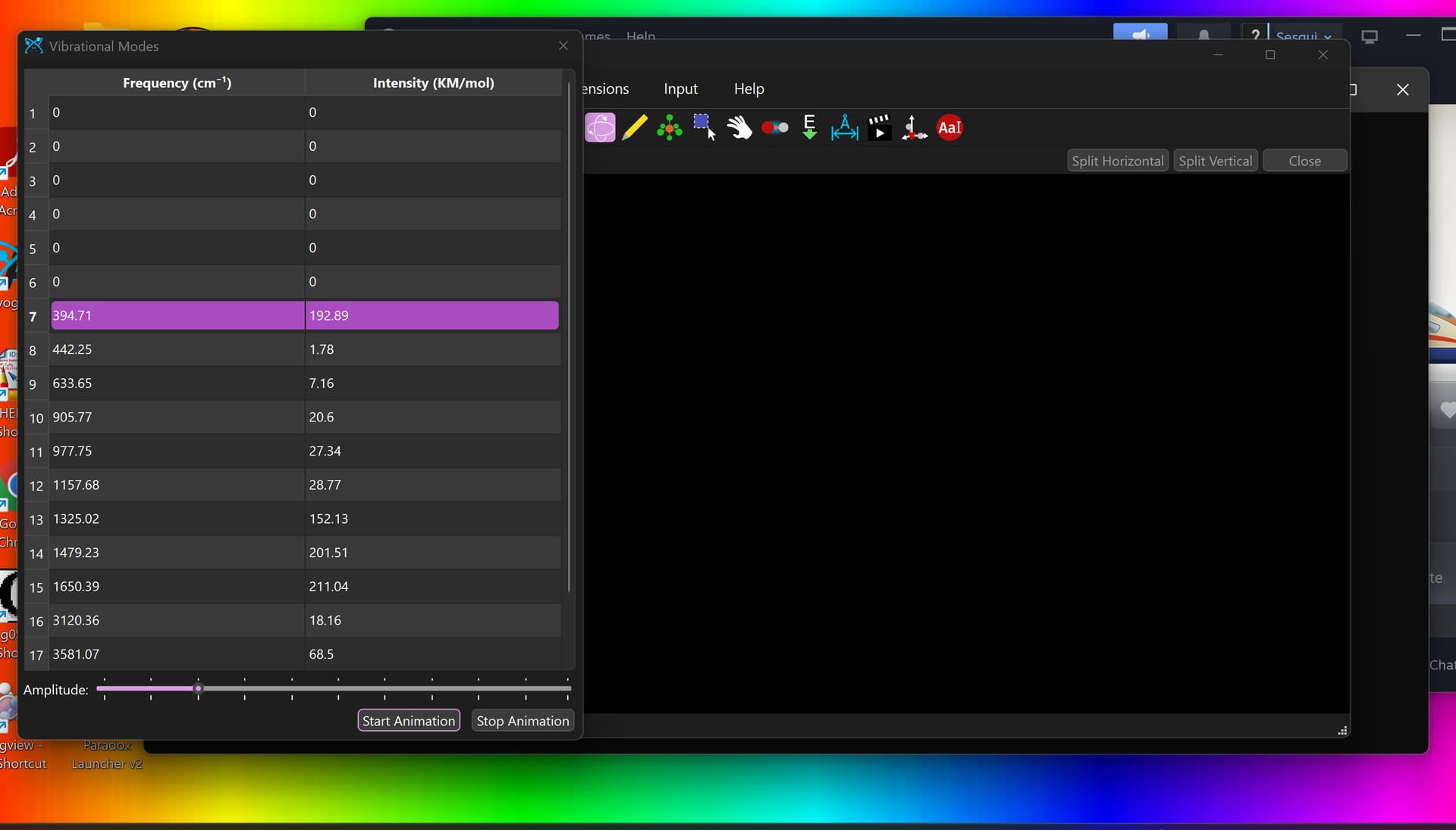
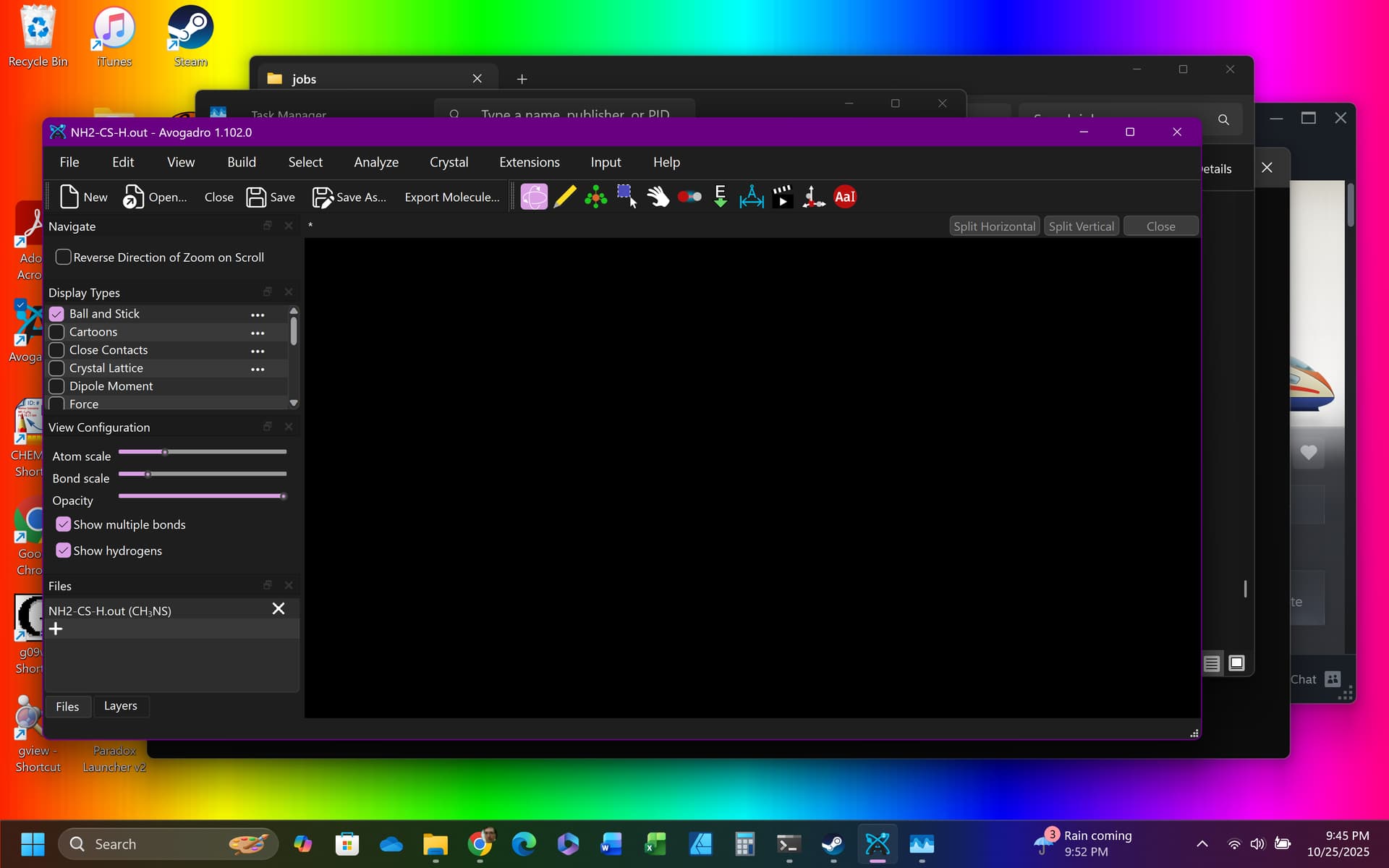
Then, after a longer than usual wait, I get the vibrational frequencies dialog box and a BLANK molecule-view window. It’s not just black-on-black because if I change the background color, the molecule is still not being shown.
I suppose the molecule is being read after all, because if I export the molecule as ORCA input, I get a file that does contain all the atoms:
#ORCA input file
#
! insert inline commands here*xyz 0 1
C -5.92272 2.71666 -0.00054
N -4.65600 2.70564 -0.00293
N -6.65895 1.57773 -0.01523
H -6.53437 3.62295 0.01326
H -6.18583 0.69114 -0.02851
H -7.65930 1.60107 -0.01317
H -4.27992 3.64562 0.00961*
It’s just that the molecule isn’t being rendered on the screen, so I can’t view it or make changes.
Steps to Reproduce
I open an ORCA output file with Avogadro2 by right clicking and using the Open with command, then proceed as described in Actual Behavior.
Please upload files if appropriate here (or via file-sharing service like Dropbox or Pastebin)