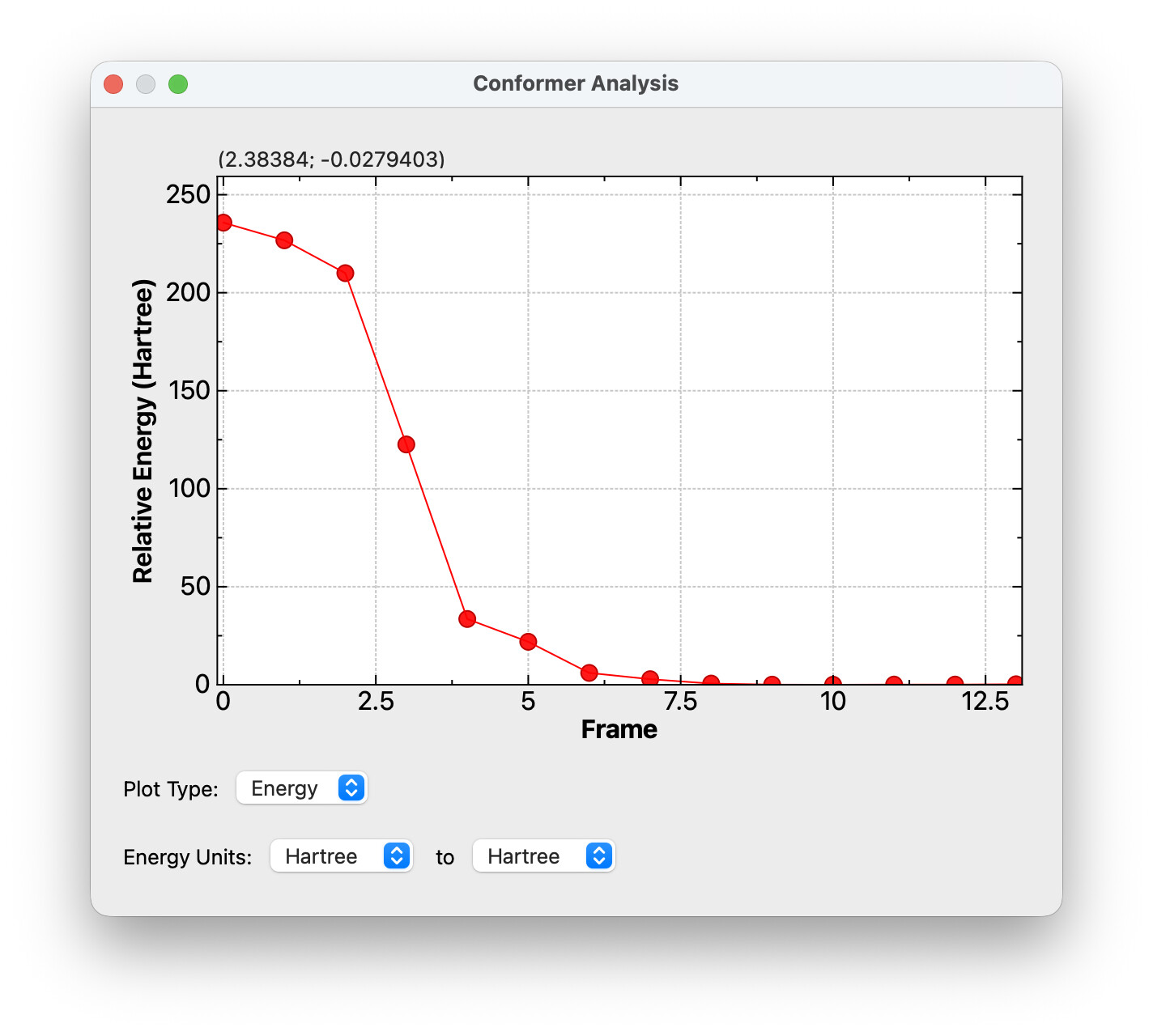
I used Avo2 (v1.102.1 on MacOS Sequoia) to open a Gaussian .out file from a geometry optimization calculation. However, Avo2 retrieves the input geometry, not the optimized geometry. I noticed this when creating a Gaussian input file for a subsequent calculation. I confirmed using the Build → Atomic Coordinate Editor. Opening the .out file in Avo1 seemed to correctly display the optimized geometry. I was able to extract the optimized xyz molecule specification using Open Babel on the command line.
Well, thanks (red face here). I never knew about the animation tool. Choosing the last frame and then using the input generator yielded the desired (optimized) xyz specification.
Thanks for looking at this on a three-day weekend.