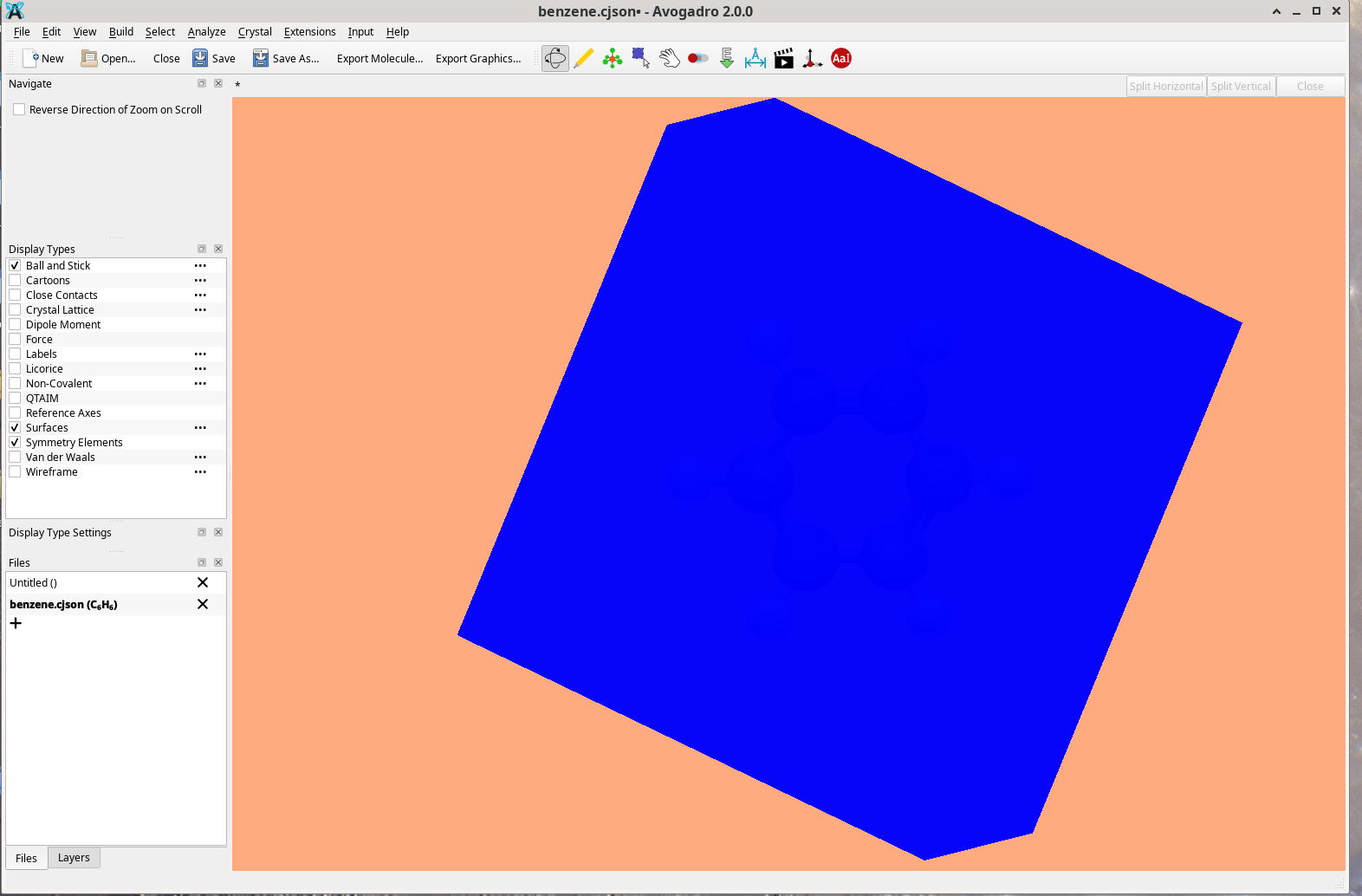
I am finding that this feature is working in the windows version 2.0.0, but not on the linux appimage version. On the appimage version when one tries to create a surface one gets a big blue square covering the molecule. It seems to work fine under windows.
John
Thanks - it would help greatly to know:
- what surface you’re trying to create on the AppImage
- a screenshot of what you see
- what molecule
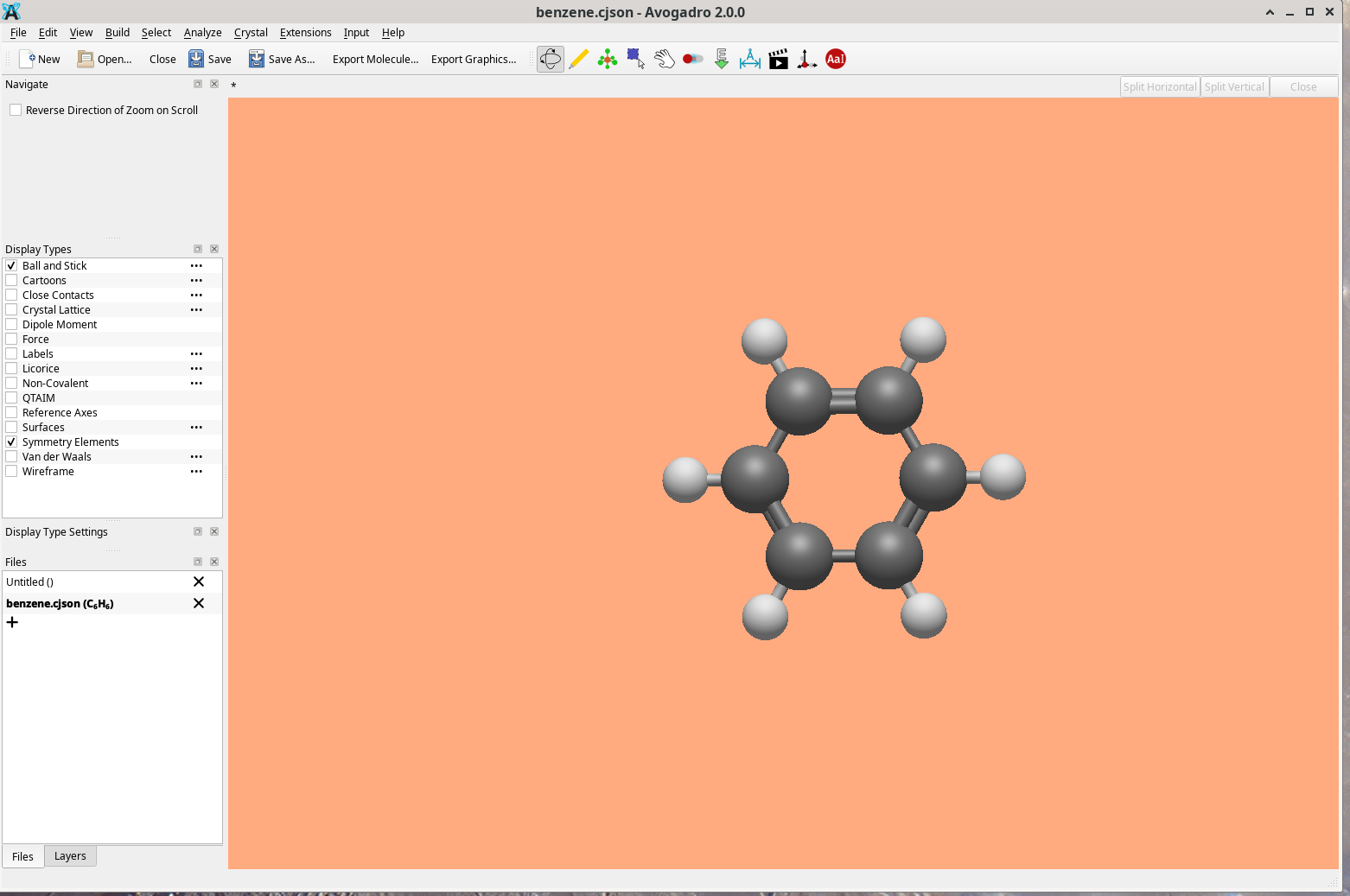
I tried it on all the surfaces (VDW, solvent included, solvent excluded, and color by ep. The blue thing varied in size (2 sizes one filled most of the screen but was the same shape as the smaller. I screenshot the smaller. I used benzene for the example, but it does this for everything I tried. Again this is for the appimage Avogadro running under Fedora linux 43
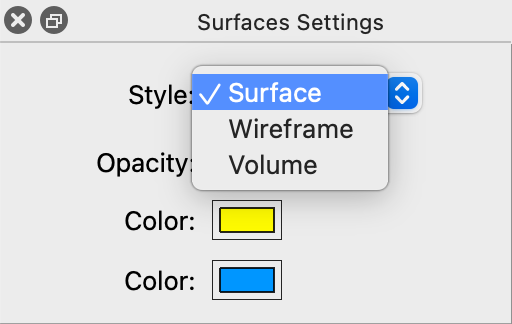
If you click for the options for the Surfaces display style, do you have it set for Volumetric?
The volumetric style works by painting textures onto a box around the molecule, rather than generating isosurfaces.
Fundamentally, I suspec there’s an issue with your graphics driver. You said you’re using the Linux AppImage:
- what graphics card and driver are you using?
- I haven’t used Fedora in ages .. is it still using X or has it switched to Wayland?
The style is set for volume, there is no volumetric choice.
Here is a headline from fedora Fedora: 43 is Out with Wayland-Only Desktop, GNOME 49, and Linux 6.17
my graphics card is Advanced Micro Devices, Inc. [AMD/ATI] Caicos XT [Radeon HD 7470/8470 / R5 235/310 OEM] on a HPz420 10 core processor.
Driver is: OpenGL vendor string: Mesa
OpenGL renderer string: AMD CAICOS (DRM 2.51.0 / 6.19.11-200.fc43.x86_64, LLVM 21.1.8)
There are multiple rendering styles. “Volume” is a volumetric rendering style, compared to a specific isosurface.
While I’m not sure what’s going on with your Mesa driver, you will get standard surfaces with Surface (including tunable opacity) or Wireframe.
The volume option is great, but clearly your driver does not support that shader.
Thank you. The other two options work fine.
John