I think the interface should have a few options for users. Perhaps the simplest is to use 2-3 atoms to define a plane. The 3-atom case should be easy, since 3 points always defines a plane. The 2-atom case could probably reuse the code from the bond-centric manipulation tool that creates a plane around a bond (blue rectangle below).
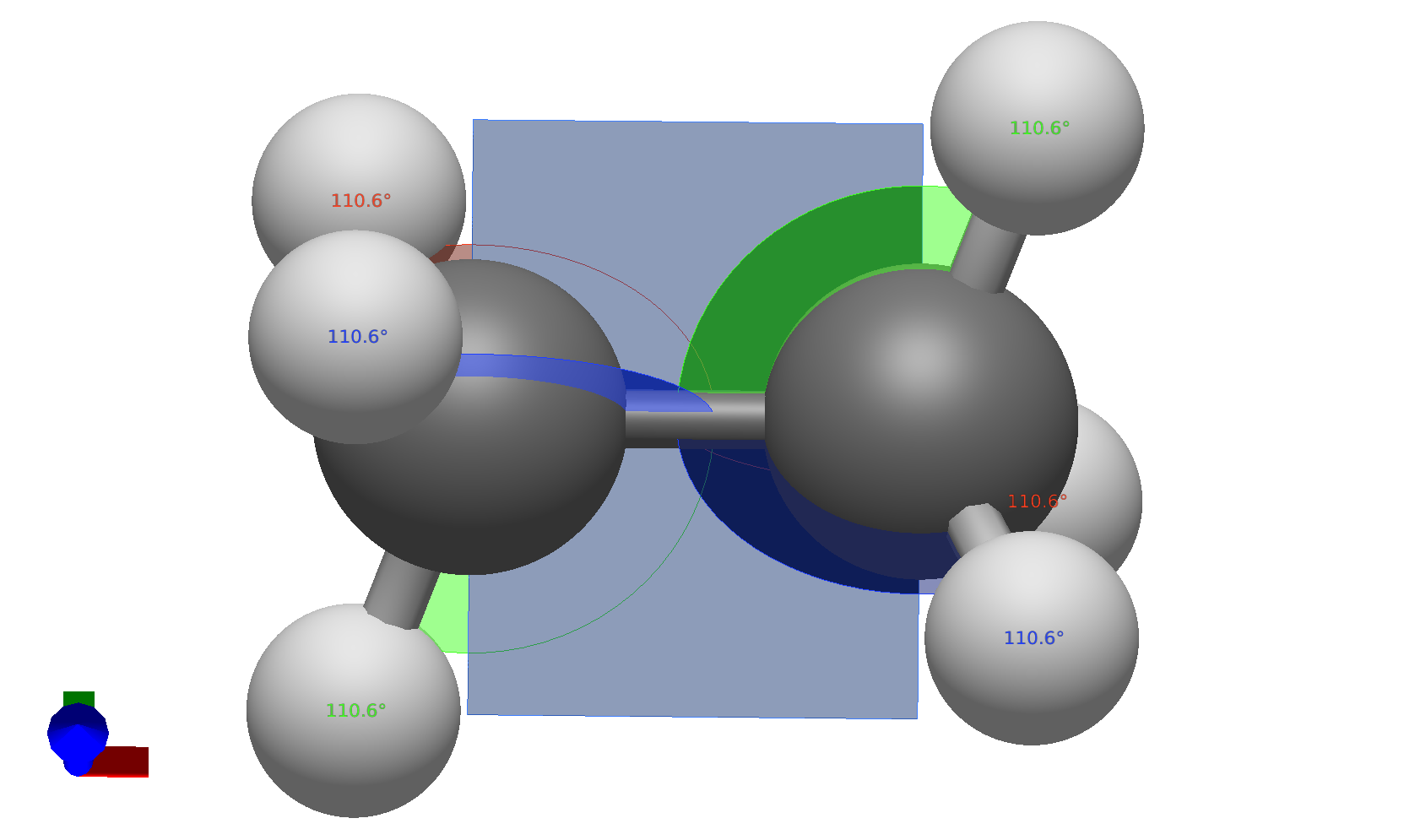
That plane is already rotatable by clicking and dragging, which I think would be nice to have for a slice tool.
Those would get the ball rolling, and I think it’d also be very nice to use some of the molecule’s symmetry elements to define planes, e.g. a σ_v reflection plane.
For a more general case, I think letting users pick a rectangle and then giving sliders on it to indicate translation versus rotation in each direction. For example a little arrow for each of the faces (in the corners I think would be best) that you can click and drag to translate/slide the box around, then perhaps some keybind to show a draggable wheel for rotation.
That’s just my initial ideas, so obviously subject to change.