Hi,
I downloaded the regular Windows installer from avogadro.cc (not the nightly build but the current release 2.1.0). After installation, Avogadro fails to open and displays this message:
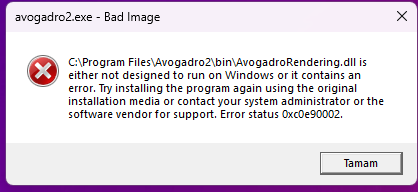
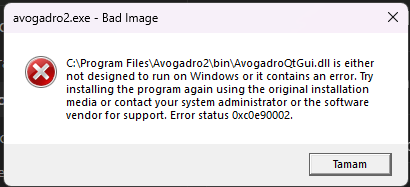
“C:\Program Files\Avogadro2\bin\AvogadroRendering.dll is either not designed to run on Windows or it contains an error. […] Error status 0xc0e90002.” It shows the same error for AvogadroQtGui.dll.
Windows Smart App Control is turned on. Could it be blocking this component? Is there a solution that allows me to keep Smart App Control enabled, such as a signed build?
I’ve attached a screenshot of the error. Please let me know what additional information would help.
Thank you!
Yes. There’s another bug report about this: Windows 11 Smart App Control blocks unsigned iconv-2.dll in Avogadro 2.1.0 · Issue #3265 · OpenChemistry/avogadrolibs · GitHub
I don’t know why this started now - I’m looking into the signing process for a 2.1.1 release. It seems like Smart App Control wants every piece inside signed in addition to the installer.
I believe that the 2.1 release from the Windows App directory is signed by Microsoft and shouldn’t have this problem (since it’s an MSI installer) but I have not been able to check.
Can I ask a separate question? Is there a benefit to keeping the NSIS installer for Windows vs. an MSI or MSIX installer?
It looks like I can “deep sign” the MSI or MSIX installers, but it’s a bit of a pain to do that with NSIS (i.e., I need two steps for that format).
Thank you! I installed Avogadro from the Microsoft Store, and it opens successfully with Smart App Control still enabled. That solved the issue for me.